-1.png?width=150&height=38&name=Logo_Original_Dark%20(2)-1.png)
In Fitnet Manager, payment methods may be pre-configured in the application for your repeat suppliers.
To do this, one setting item needs to be activated. Go to Settings > Purchases and activate payment method management:

Configuring payment methods
To configure your supplier payment methods, go to Configuration > Payment Methods.
Click on “Add” to create a payment method. All payment methods that have been specified are found in the table.

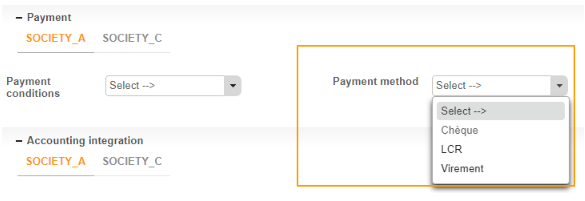
Once you have entered the payment methods, they will be available from the drop-down menu (which is activated by the required pre-configuration) and which is found in the Supplier screen.