-1.png?width=150&height=38&name=Logo_Original_Dark%20(2)-1.png)
An evaluation plan can be configured for each application by entering:
Configuration > HR Folders> Evaluation

This Configuration module enables pre-registration of a list of criteria for the evaluation plan attributing a "Weight" for calculation to each "Criteria". The mandatory fields for entering an assessment criteria are: the caption and the weight, which represent the default value for calculating the weighted score. A description can also be added, and the criteria can be given an active or inactive status.
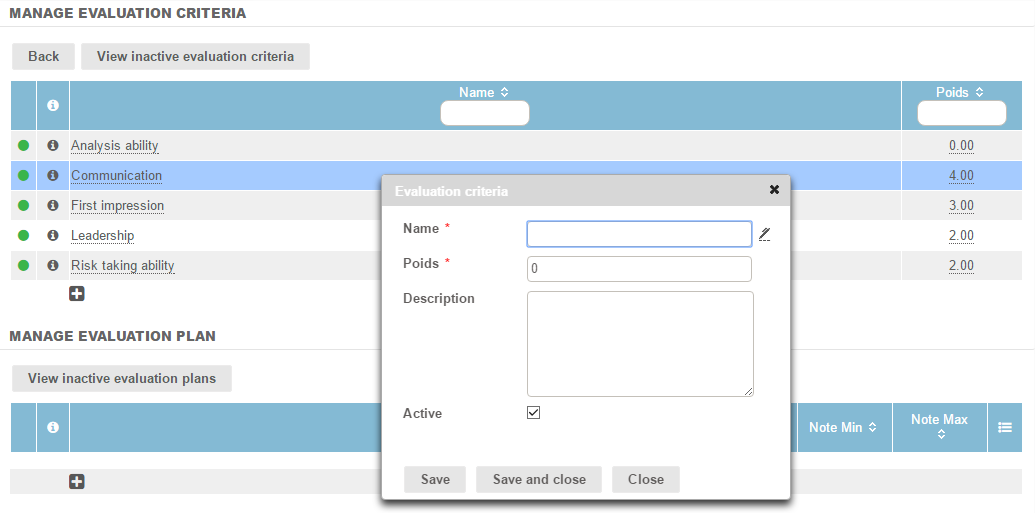
The assessment plans must then be configured. The "Name" field must be filled out. A description can be added, and the plan's active/inactive status can be precised.
The assessment plan allows applicants' details to be integrated:
Candidate > "Modify” icon > Evaluation > Icon next to “Evaluation plan”
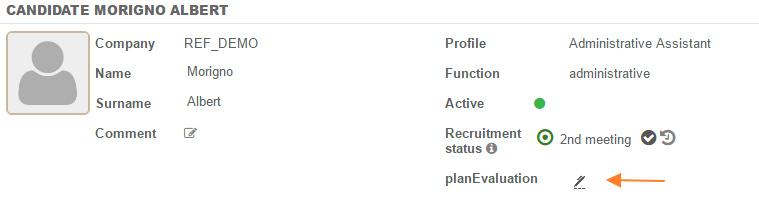
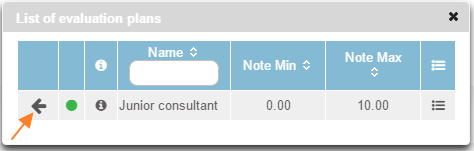
A window shall open allowing the desired evaluation plans to be chosen, by clicking on the arrow to the left of the table.
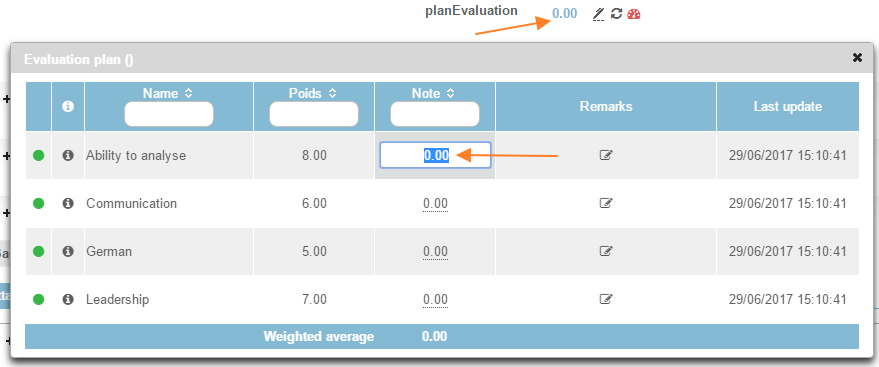
By clicking on the score, by default 0.00, the evaluation criteria corresponding to the chosen evaluation plan are displayed in a table. For each criteria, the score given to the candidate must be filled in and the system calculates the weighted average for this plan.
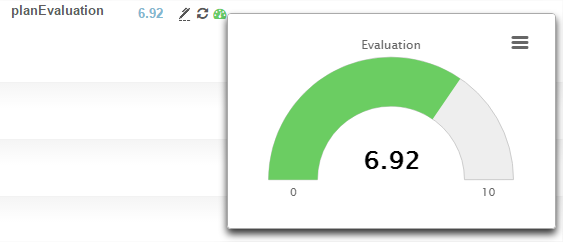
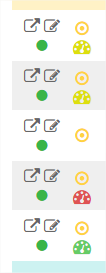
The scores are automatically saved after being entered. An icon is simultaneously added in the candidate file and in the candidate management table. Depending on the score, a colour is assigned as a coloured icon. As the pointer moves over this icon, the average is displayed.