-1.png?width=150&height=38&name=Logo_Original_Dark%20(2)-1.png)
The HR folder allows you to record payment of advances via the “Action > Add an advance” button:
- on salaries
- on expenses
and to set up a refunding schedule
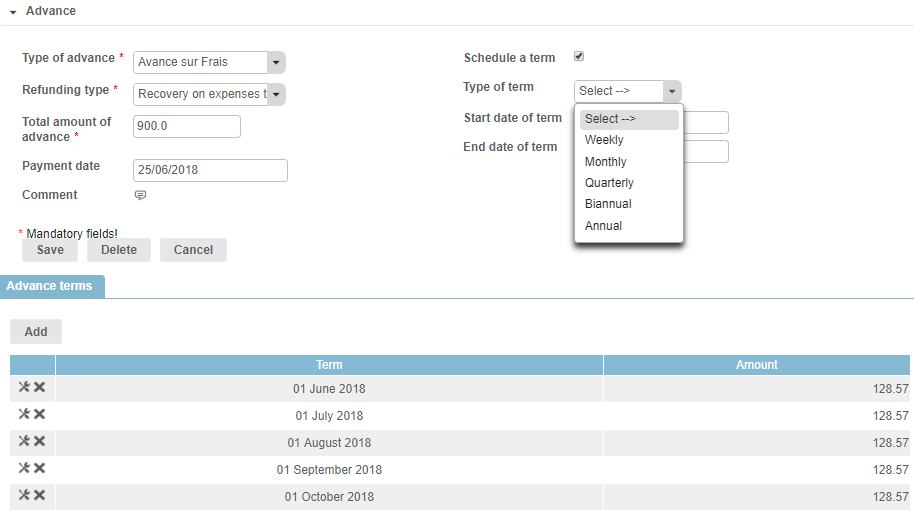
The following fields describe the advance:
- The type of advance (configurable list)
- The total amount
- The payment date of the advance
- The refunding schedule
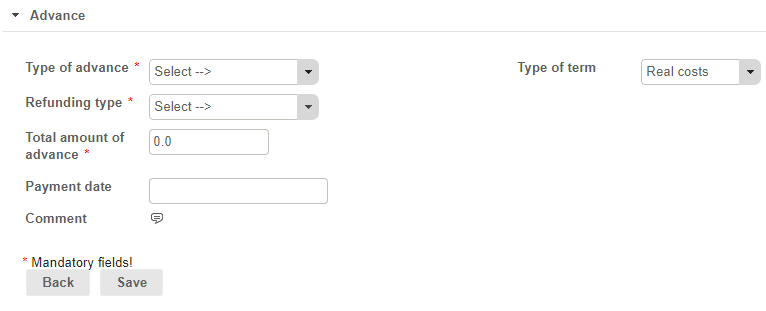
The refunding type is automatically populated according to the type of advance. The payback schedule is tracked in the monthly report “Payroll Information”:
- with automatic calculation of the deduction
- on the salary or on the amount of expenses to be reimbursed