-1.png?width=150&height=38&name=Logo_Original_Dark%20(2)-1.png)
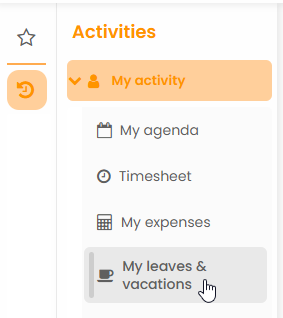
This section contains resources for setting up and using the Vacation / Leave module.
Documentation
★ Getting started with the Vacation/Leave Module
Gestion des congés/absences
- Creating a vacation/leave from the Vacation/Leave module
- Creating a vacation/leave from the Calendar
- Displaying the history of leave requests
- How to check the estimated leave balance
- Vacation/Leave reports
- Optional parameters: Client informed & Replacement
Workflow des congés
- Submitting a vacation/leave
- Editing a submitted to validation leave/vacation
- Deleting a validated leave request
- How to validate, return, refuse or cancel a leave request
- Configuring leaves/vacations workflows
Configuration des types d'absences
- Configuring types of leaves
- Configuring furlough leaves
- Updating vacation counters
- Customizing the types of leaves for each employee from the HR Folders module
Formations
- How to create a training session
- Displaying the history of training sessions
- Editing a submitted to validation training session
- Submitting a training session request to validation
- Deleting a validated training session request
- How to validate, return, refuse or cancel a training request
- Configuring a training sessions workflow
- Training sessions reports
Repos compensateur
- Compensatory rest - Basic Principles
- Configuring timetables for the compensatory rest's calculation
- Configuring schedules of increases for the compensatory rest's calculation
Settings