-1.png?width=150&height=38&name=Logo_Original_Dark%20(2)-1.png)
Tracking the purchase settlement
Purchase monitoring allows to quickly include planned and actual settlements. The dates are updated directly in the table.
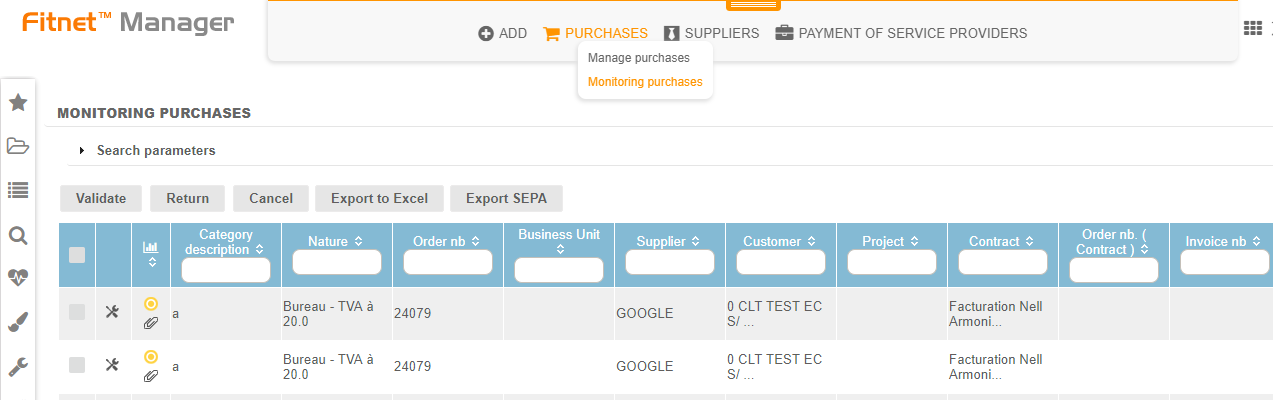
A search engine makes it possible to filter the purchases according to the criteria of date and dates of settlements, by crossing them with a status or not.
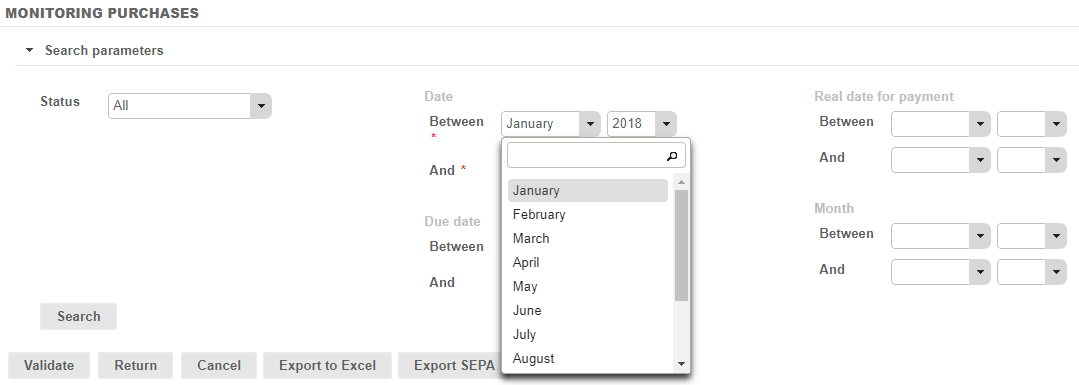
Attach vendor invoice, documentation, or attachment to a purchase
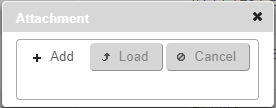
It is possible to upload an attachment at the level of each purchase, for example to put the invoice in attachment. To put a purchase in attachment, click on  to add an attachment to the purchase.
After clicking, the next pop up opens and allows to add and then upload the attachment you want to add:
When a purchase has at least one attachment, the icon is coloured: 
Carrying out a SEPA export on a purchase
To carry out the export of a purchase, it is necessary to have entered the RIB of the supplier to which this purchase is linked.
Once the RIB has been declared, go to the Purchases tab > Purchases> Monitoring of purchases > and do the desired research.
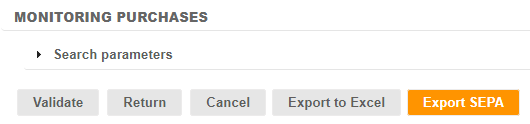
Here, click on Export SEPA to be able to carry it out.
Suppliers without linked RIBs, return a pop-up that warns that certain purchases cannot be exported to the XML file that is being generated.