-1.png?width=150&height=38&name=Logo_Original_Dark%20(2)-1.png)
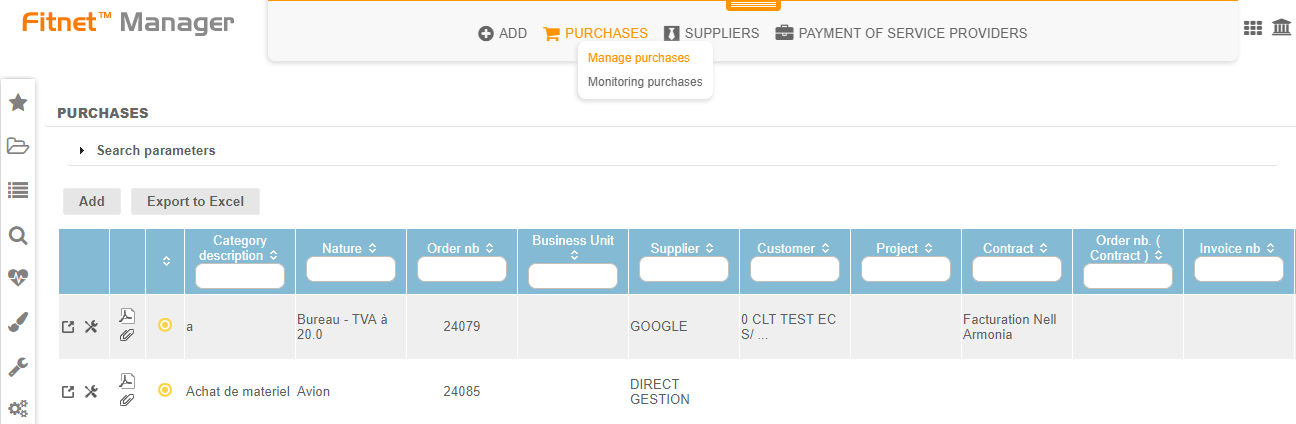
It is possible to find all your purchases and manage them in bulk from the "Manage purchases" tab, and track them from the "Monitoring purchases" tab.
Managing ongoing purchases
The Manage purchases menu allows to view all current purchases over a period of time.
The Excel export is available and allows to retrieve the purchases according to the search parameters.
Monitoring the status of purchases
The life cycle of a purchase
There are 2 ways to manage the life cycle of purchases in the tool:
- Using standard statuses:
- Purchase is planned: attention a "planned" purchase, not confirmed, whose date is exceeded will automatically turned into "cancelled".
- Purchase is confirmed
- Invoice is received
- Purchase is paid
- Purchase is cancelled
OR
- Activation of a validation workflow on purchases in the Configuration menu with:
- Setting of validation steps
- Configuring of validator groups
The Monitoring purchases menu allows to view the status and push objects to the next status.
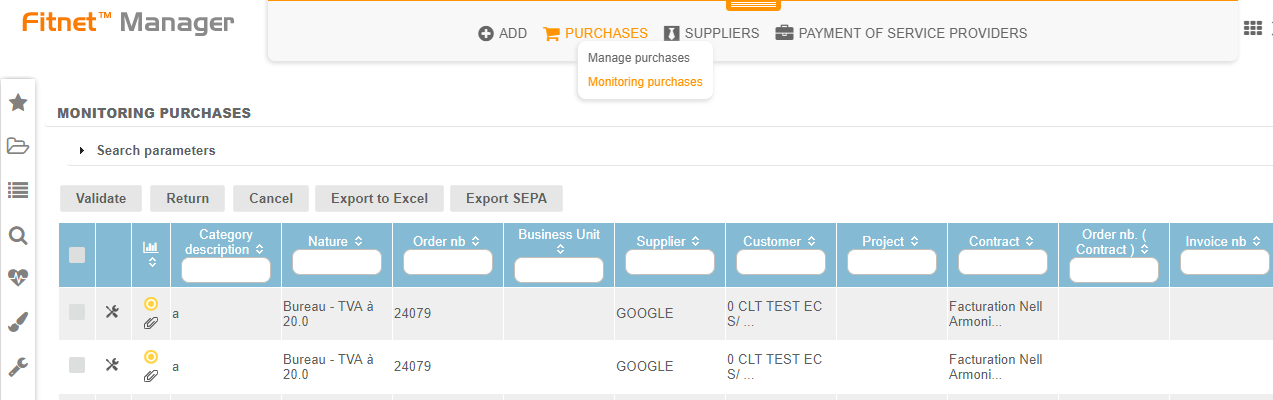
The change of status is made in bulk from the table or individually in each purchase.