-1.png?width=150&height=38&name=Logo_Original_Dark%20(2)-1.png)
Once all of your workflow steps are configured, you have to decide which approvers / groups of approvers will be in charge of the request processing.
To configure validators, go to Configuration > Workflow > Validators.
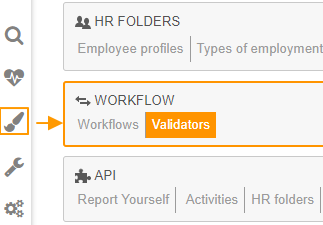
Approvers groups are already available; however you can customize it or add as many approvers groups as you want.
Existing approvers groups
Fitnet Manager allows you to organize resources within groups such as Business Units, Teams, or Off-contract activities.
5 approvers groups are available by default:
- Project Managers
- Off-contract activities Supervisor
- Contracts BU Supervisor
- HR BU Supervisor
- Team Supervisor
The Supervisor depends on the employee: Fitnet Manager can identify the person responsible for the requestor (employee who submit a request).
What is the difference between Contracts BU and HR BU?
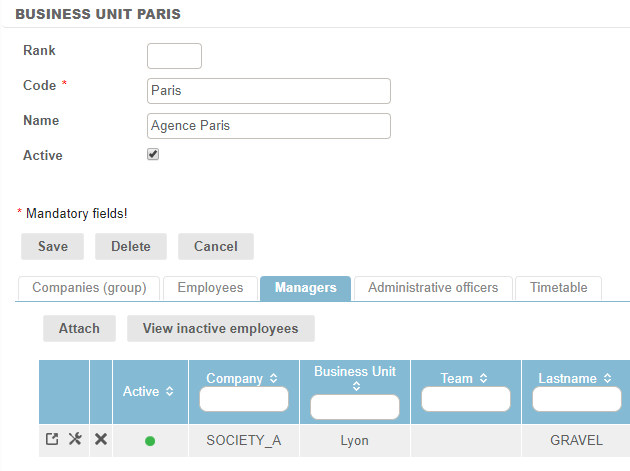
The Contracts BU Supervisor is also the responsible person for the BU assigned on the contract.
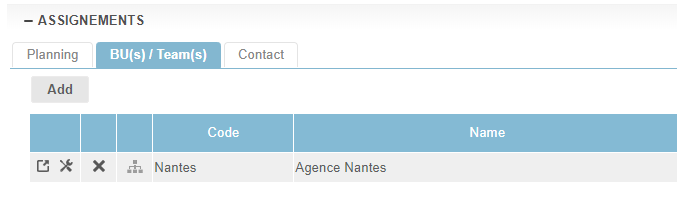
The HR BU Supervisor is the person responsible for the BU to which the employee is attached (but not necessarily the BU assigned on the contract).
Customized groups of approvers
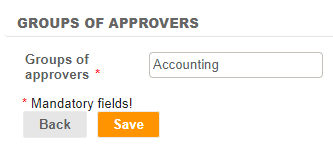
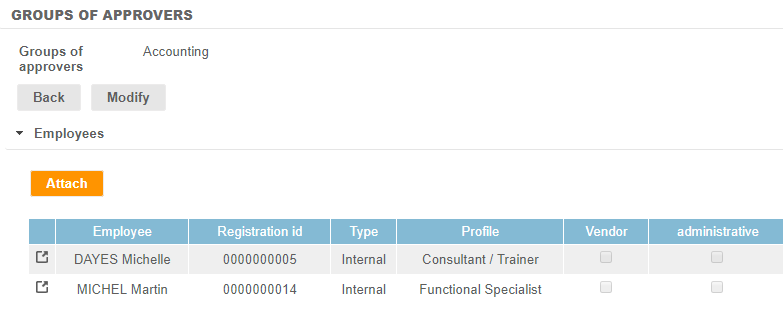
You have the possibility to add as many groups of approvers as you want. To do this, you have to click on the "Add" button, to enter a designation for this group (modifiable), to save, and then to attach one or several employees to this group.