-1.png?width=150&height=38&name=Logo_Original_Dark%20(2)-1.png)
A candidate can be changed to an employee two ways: directly via the candidate file by clicking on the icon next to "recruitment status", or by assigning a candidate to an opening then launching the contract. These two ways are described in the related articles, "Change a candidate to an employee" and "Assign a candidate to an opening".
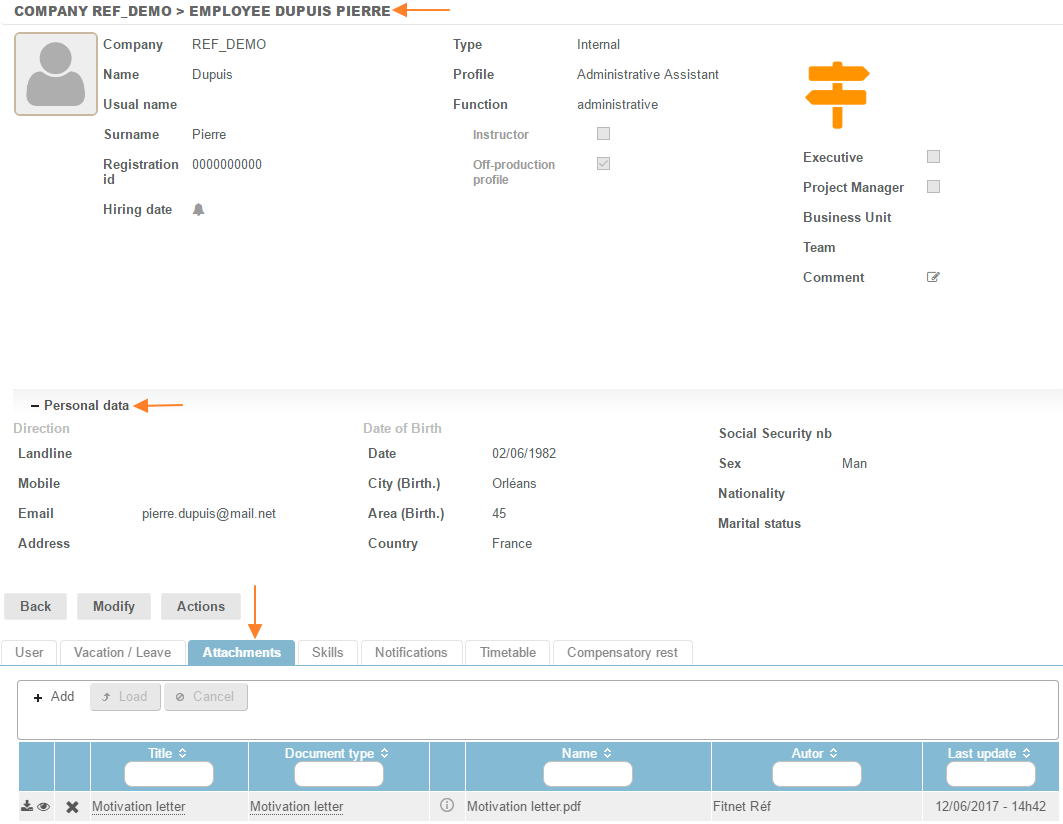
During the change, the candidate's details are held in the employee file: the personal data, the profile and the attachments.
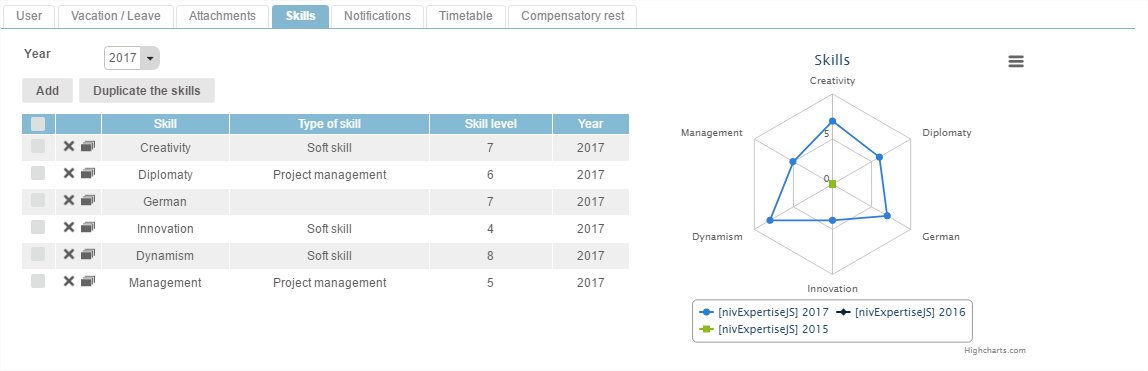
The candidate's skills are also held in the employee file:
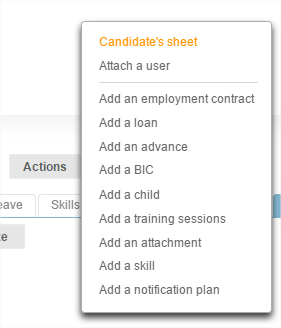
The candidate file is also saved and can be accessed from the Employee file through the "Actions" button, "Candidate's sheet":
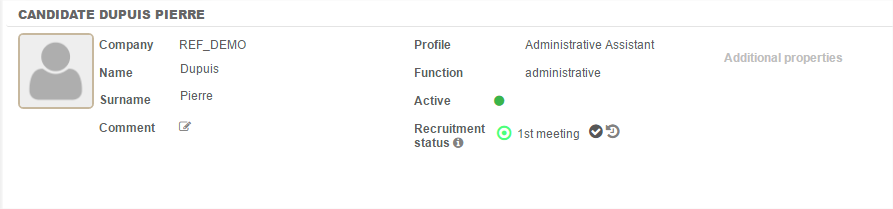
The Candidate file is opened: