-1.png?width=150&height=38&name=Logo_Original_Dark%20(2)-1.png)
Duplicate control is a toggleable setting within the application settings: Settings > 'Contracts' Tab > 'Customers/ Projects' Panel.
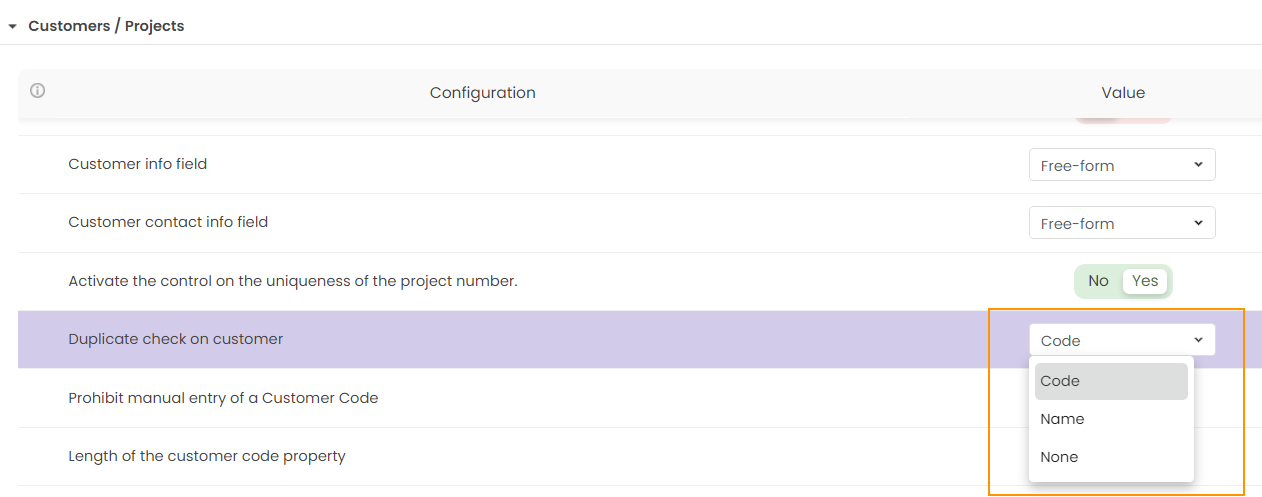
Three options are possible :
- None : no duplicate check is performed during the creation/modification of a client.
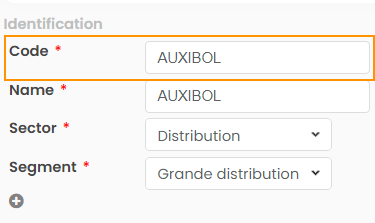
- Code : a duplicate check is performed at the client code level
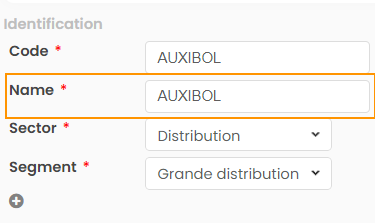
- Name: Duplicate check is performed at the client name level.
The uniqueness check is performed by scanning all clients and prospects across all companies (in the case of a multi-company environment), including those that have been deactivated.
Once the configuration is complete, the system will, according to your choice, perform these checks or not.
In the case of a check on the client code, two different behaviors are possible:
- If the 'Automatic Generation of Client Code' parameter is disabled, then, in case of a duplicate, a warning message appears but it is still possible to create a prospect/client with the same code as another existing prospect/client

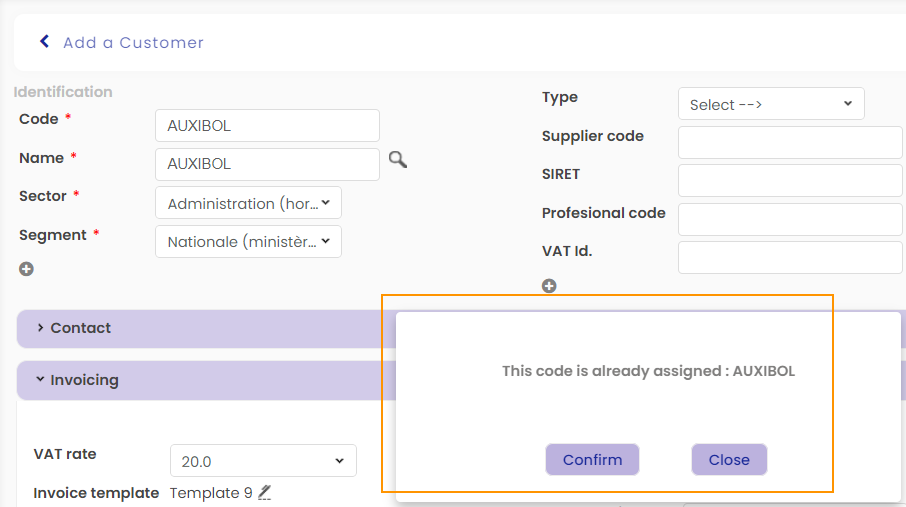
- If the 'Automatic Generation of Client Code' parameter is enabled and 'Manual Entry of Client Code' is allowed, then a proposal for creating the client according to the correct client code incrementation will appear


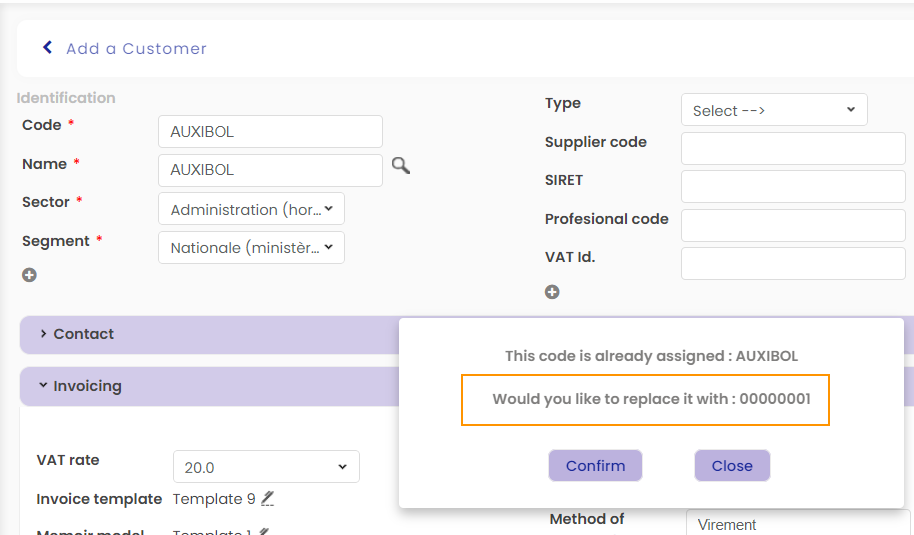
The automatic incrementation of the client code follows the following rules:
- Incrementation is shared between prospects and clients.
- In the case of a multi-company environment, the incrementation is shared between different companies.
Refer to this article for more details on automatic client code incrementation.