-1.png?width=150&height=38&name=Logo_Original_Dark%20(2)-1.png)
Fitnet Manager allows you to set a specific configuration for vacations/leaves of each employee. You can specify which type of leave will be available for each employee, at the level of the HR Folders module > Employee's sheet > "Vacation / Leave" tab.
By clicking on one of the types of leaves, the manager can open a pop up in which he will be able to customize some of the parameters:
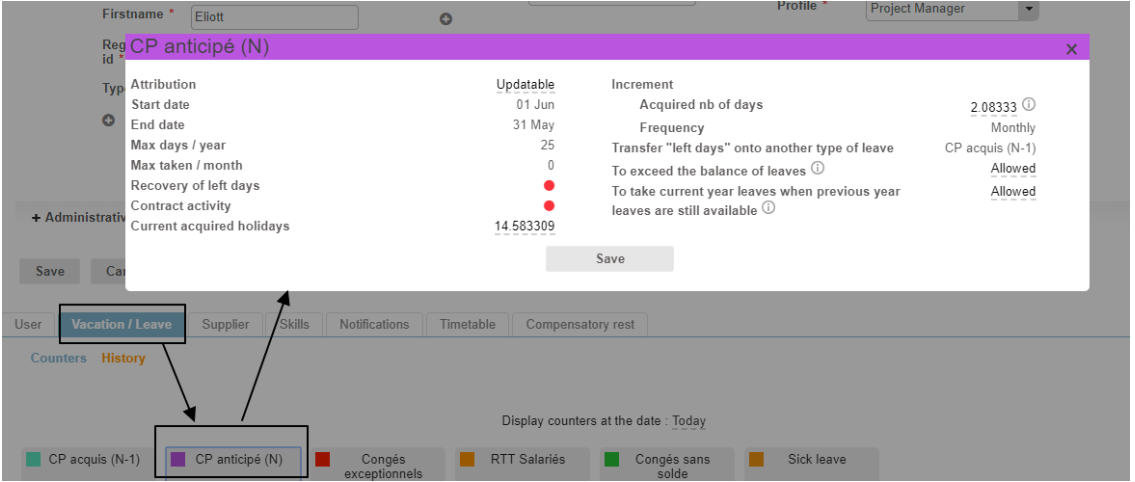
Vacation configuration per employee
The number of acquired days to increment every month can be configured specifically for each employee.
Example : part-time employees
You have 2 options:
- Create only one type of leave "Paid leave" and configure a specific incrementation for each employee;
- Create one type of leave "Paid leave" for employees and one type of leave "Paid leave part-time" for part-time employees, and that will be selected only for those concerned.
Vacation counters configuration per employee
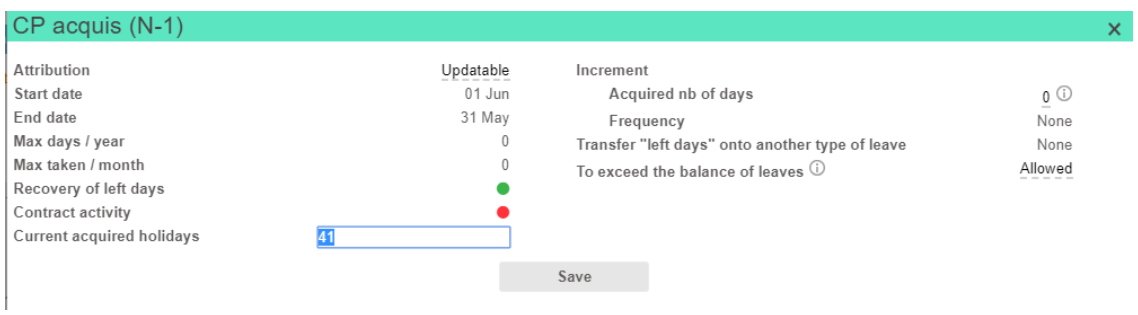
You can view the vacation counters directly from the employee's sheet (acquired leaves, taken leaves and left days).
The "Acquired leaves" counter can be updated directly from the employee's sheet, for every type of leave, and for the current accounting exercise.
Display history of requests for each employee
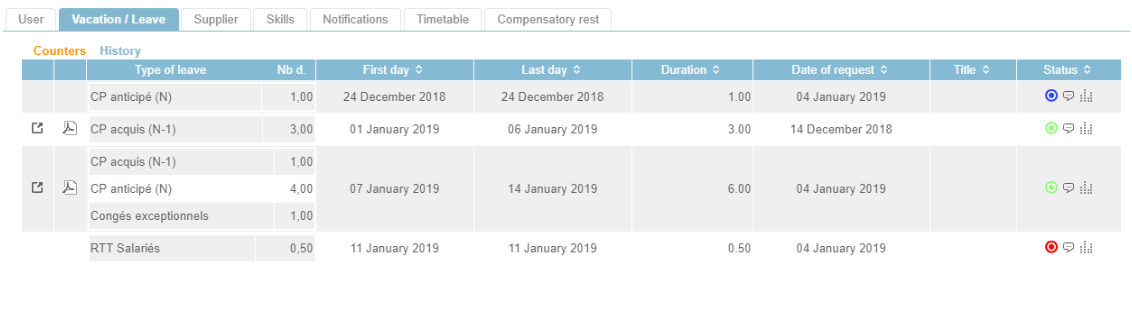
Each employee can access his history of leaves and requests directly from his HR folder.