-1.png?width=150&height=38&name=Logo_Original_Dark%20(2)-1.png)
DEFINITION
Credit note management is achieved exclusively from the Invoicing menu.
Credit notes recover an invoiced amount; they thus relate to an invoice in the tool: every credit note is necessarily linked to an invoice
CREATING A CREDIT NOTE
Credit notes are created from the Invoicing Module> Create> Create a credit note.
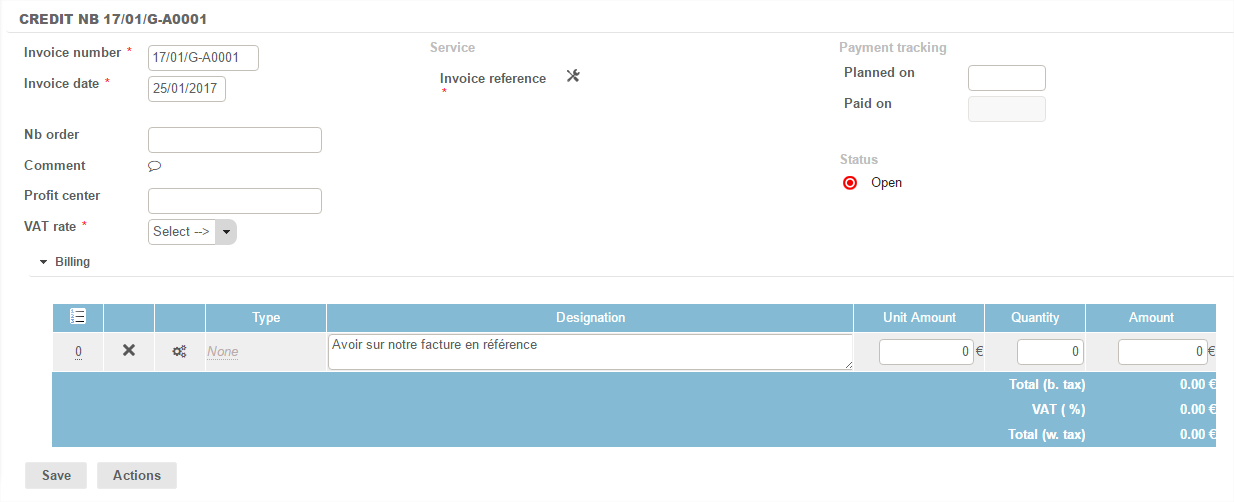
The dates and invoice numbers are automatically generated - and remain editable.
The VAT rate and the reference invoice must be selected.
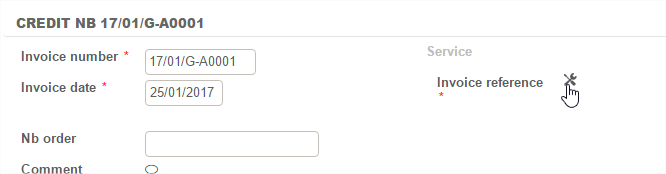
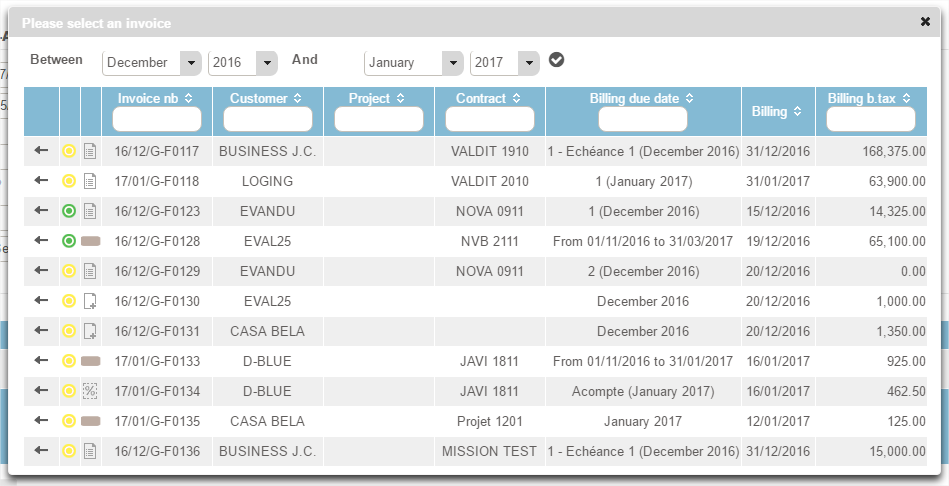
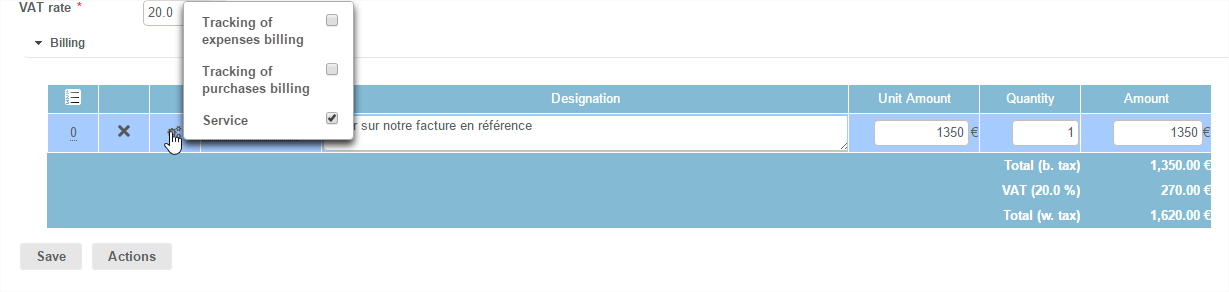
Once the reference invoice is selected, the amount of the credit note automatically adjusts the amount invoiced: it remains editable.
Taking account of the amount charged as credit, compared to the reference invoice is optional: you can choose if the credit amount should enter into invoice monitoring of the case in reference or not.
The credit thus created and saved is in the Invoicing Module> invoices, recognisable by the icon  .
.