-1.png?width=150&height=38&name=Logo_Original_Dark%20(2)-1.png)
The Amount b.tax is broken down into a "Costs" type account. A "Costs" type account is used to attach an Expense Category.
To configure this account, there are 2 possibilities:
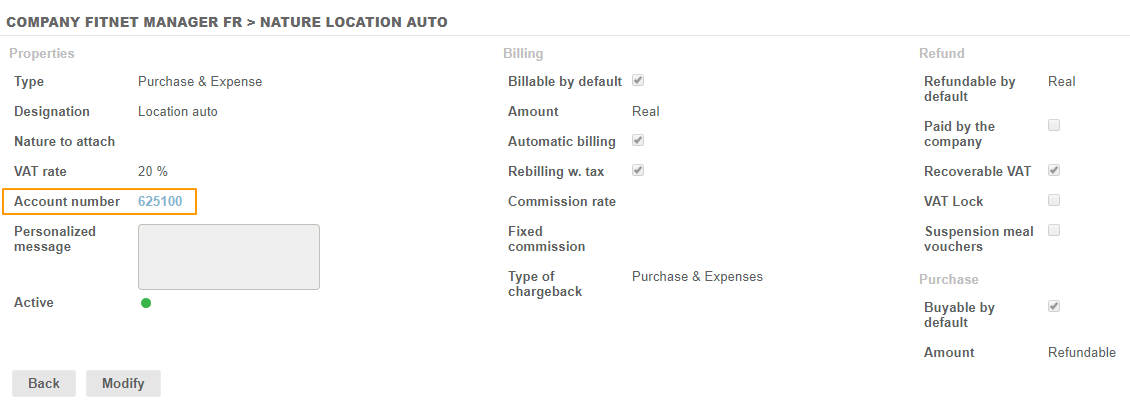
From the Expense category sheet
You can attach an Expense category to an account directly from the Configuration menu > Activities >Expense categories > Expense category sheet.
- Account Number Selection is Restricted to "Costs" Type Accounts
- You can add / create a new account directly from the account selection table.
 From the Account Plan configuration
From the Configuration menu > Purchases section > Accounts,you can add Expense category (ies) attached to the "Costs" type account number.
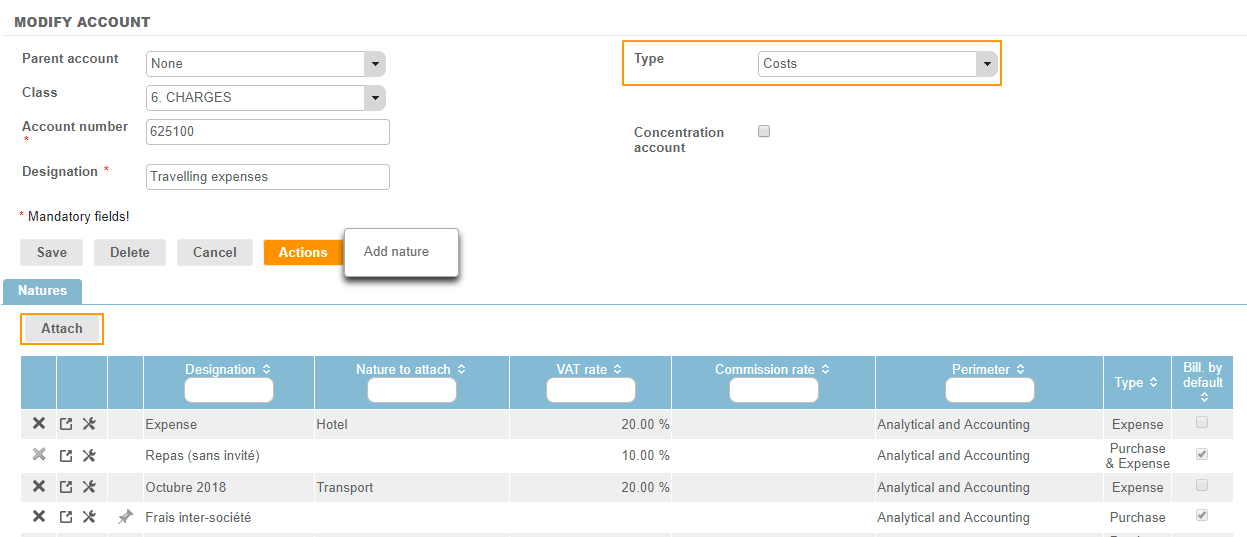
Note: an Expense category can only be attached once.
Auxiliary account and Concentration account
You can define an auxiliary account and a concentration account. For more information, click here.