-1.png?width=150&height=38&name=Logo_Original_Dark%20(2)-1.png)
To calculate overtime, you have to compare the forecasted hours worked (see the timetable attached to the employee) and the actual hours worked (see the employee's timesheet).
To add a timetable, please follow this steps:
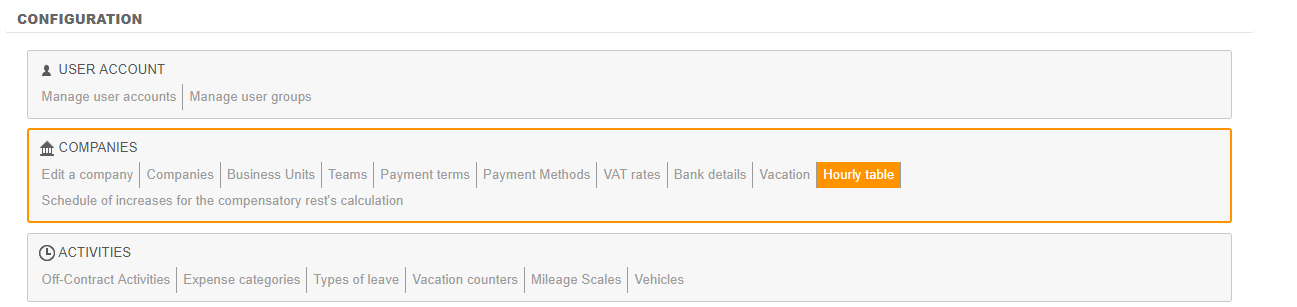
Configuration > Companies > Hourly Table
Why attaching a hourly table?
First thing to do after activating the calculation of overtime is attach a hourly table to the organizational structure to which you wish to allow overtime.
Indeed, a timetable must be attached to at least one of those elements of the organizational structure of the company:
- Company
- Business Unit
- Team
- Employee profile
- Employee
To calculate compensatory rest, the system first searches if a timetable has been attached to the Employee, then to his Profile, his Team, his Business Unit, and at last to his Company.
How to attach a timetable to the Company/Business Unit/Team/Profile
To attach a timetable to one of these elements, you have to go to the Configuration menu:
Configuration > Companies > Companies / Business Units / Teams
or
Configuration > HR Folders > Employee profiles
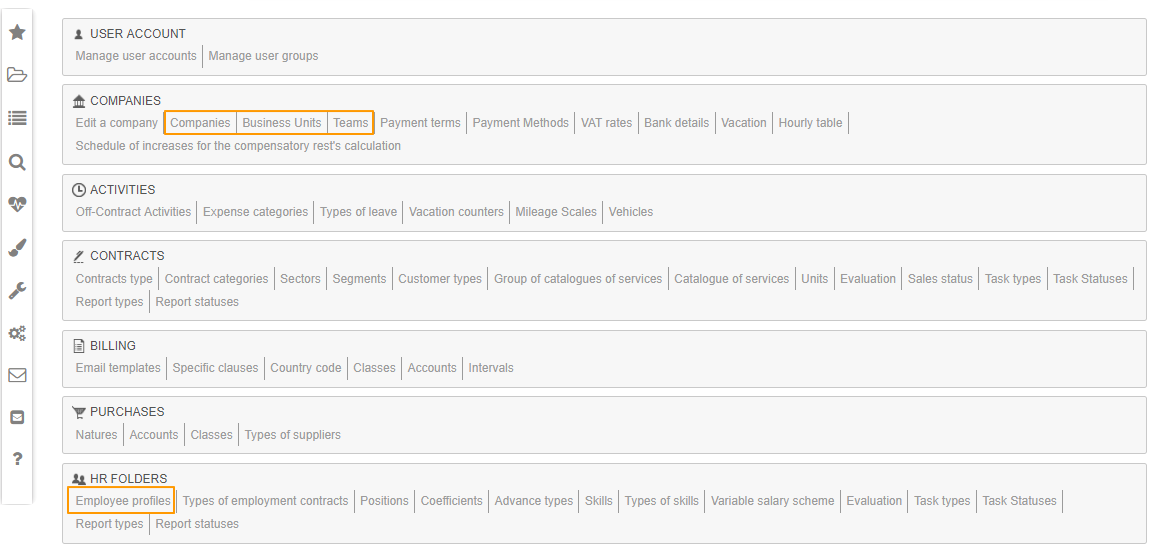
In the profile of the Company/BU/Team/Profile, you can then directly attach a timetable:


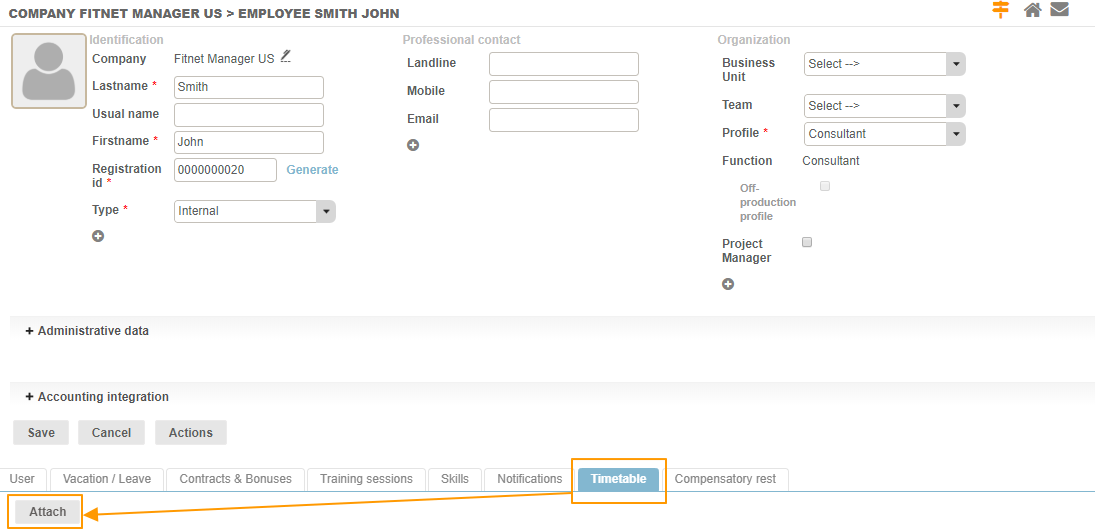
How to attach a timetable to the employee
Similarly, you can attach a timetable to an employee. To do so, go to the HR Folders module > Employee's sheet > Timetable tab.