-1.png?width=150&height=38&name=Logo_Original_Dark%20(2)-1.png)
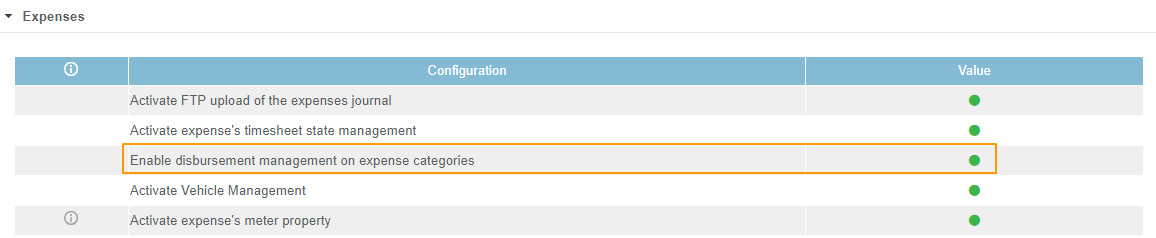
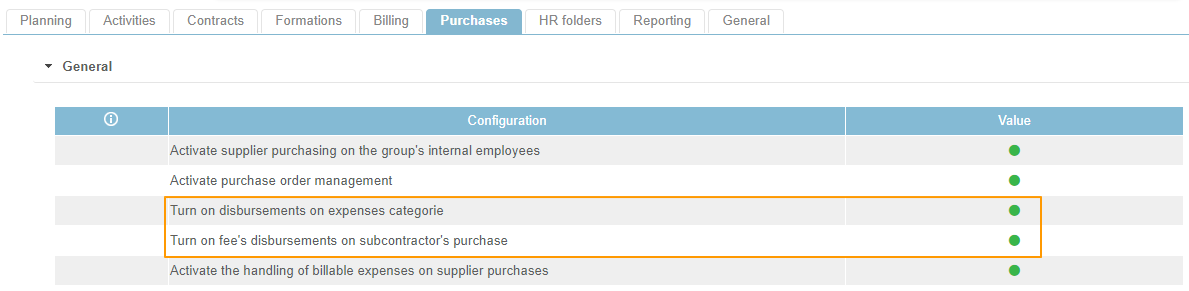
To make use of the “Disbursements” feature, you must activate the following settings, which are turned off by default:
1. Settings > Activities tab > Expenses box: Enable disbursement management on expense categories
2. Settings > Purchases tab: Turn on disbursements on expenses categorie
3. Settings > Purchases tab: Turn on fee's disbursements on subcontractor's purchase
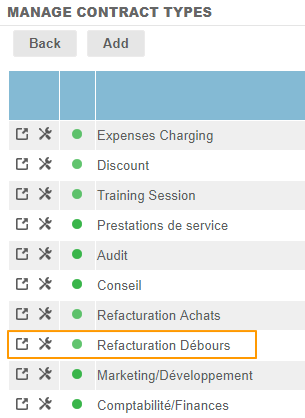
This new Type for Purchase Natures/Expense Categories is linked to the new Contract type: Disbursement rebilling (to be configured by default, like Training Session, Expenses Charging, and Discount types).
Mandatory notice
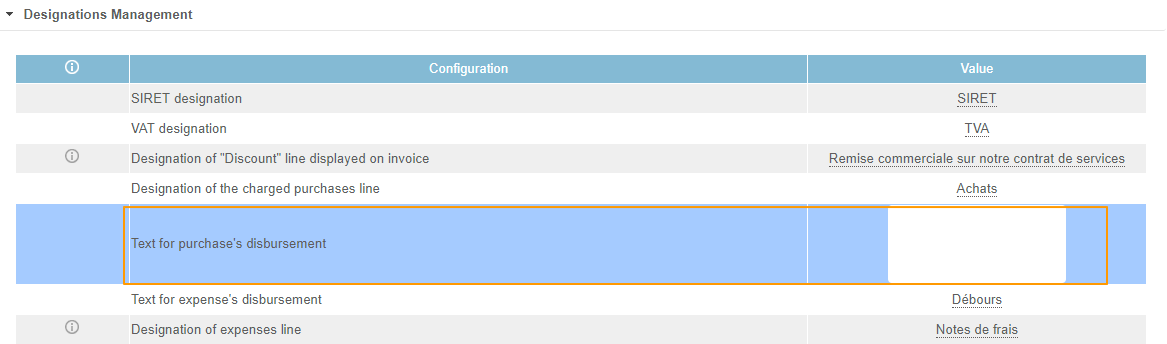
The line item for the disbursement can be configured so that it features a label, and thus incorporates the legally mandated notice: “Exempt from VAT in accordance with Article 267 of the French Tax Code/Exonération de TVA en vertu de l’article 267 du CGI” (or other mandatory notice according to applicable legislation) as follows:
- In the Company sheet: Configuration > Company > Edit a company > Invoices Custom. tab (giving priority to the labelling of the Company Sheet!)
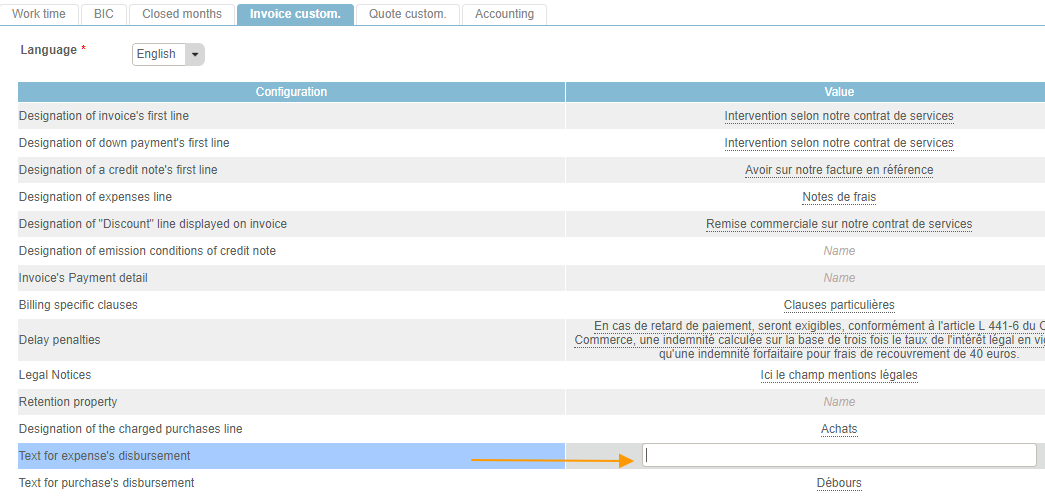
- Settings > Billing tab > Designations Management box