-1.png?width=150&height=38&name=Logo_Original_Dark%20(2)-1.png)
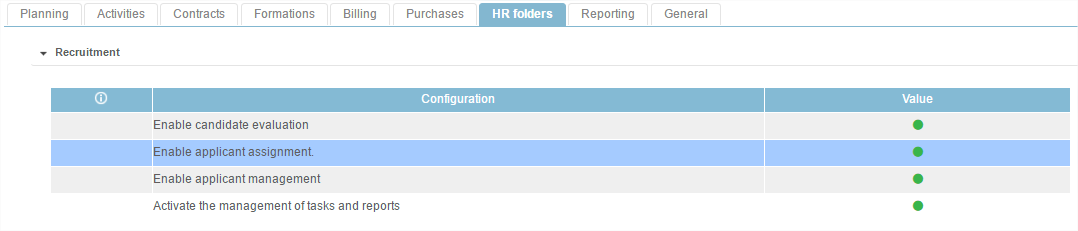
A candidate can be assigned to an opportunity contract. A setting must be previously activated in Settings > Enable applicant assignment.
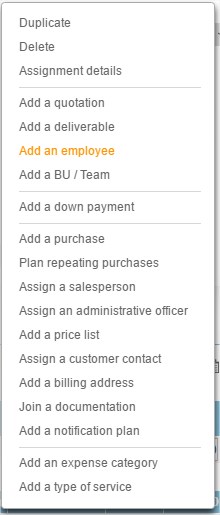
When creating a contract, candidates can be assigned to it before it passes to the In-Progress status. The operating mode is the same as for assigning an employee. When the opportunity contract is created, click on the "Actions" button then on "Add an employee":
The system suggests two different bases: the employees base and the candidates base.
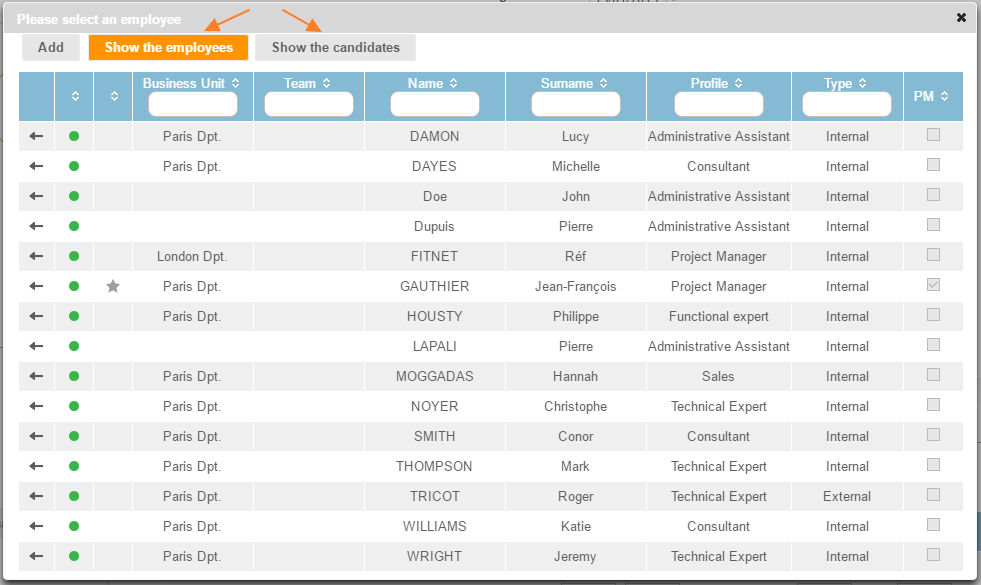
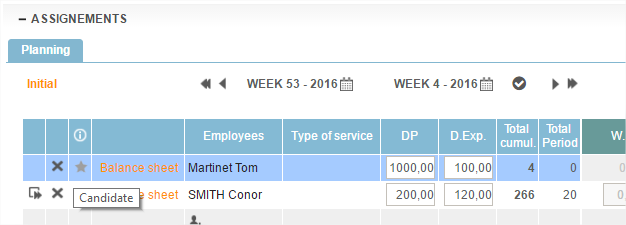
After selection, the assigned candidate will display a "star" icon, which allows you to quickly see that it's not an employee, but a candidate in the assignment table.
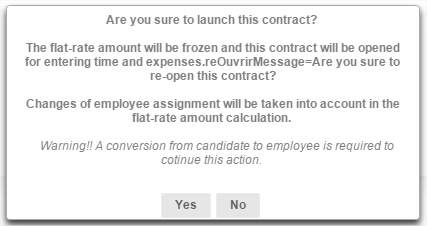
When the deal is done and enters the "In progress" status, the candidate automatically becomes an employee. A warning message is displayed when the deal is launched: