-1.png?width=150&height=38&name=Logo_Original_Dark%20(2)-1.png)
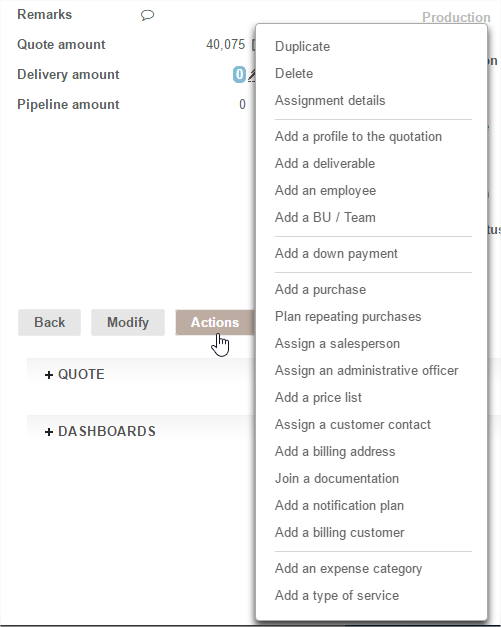
The action button contains all the functions available on a contract.
On a contract you can:
- Duplicate: duplicate the contract to create a new one picking up all or some of the components you require.
- Delete: deleting a contract causes a cascade delete of all associated elements (invoices, activities, expenses)
- Assign:
- A named employee
- A BU / Team (if the function is active): a mass group of people at a single price
- A salesperson
- An administrative officer
- Manage due dates: schedule due dates or an invoicing schedule
- Add a purchase: single or recurrent
- Join a documentation: by downloading - no size or quantity limit
- Add information: on assignments or invoices cancelled for example