-1.png?width=150&height=38&name=Logo_Original_Dark%20(2)-1.png)
Purchasing
See document on purchasing.
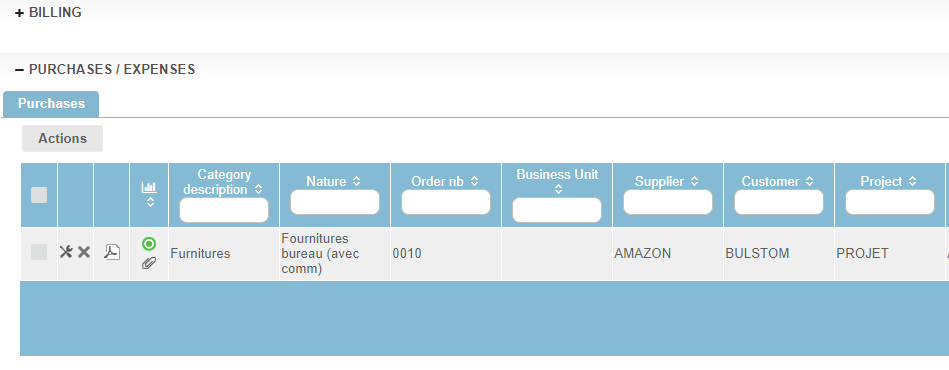
Purchases charged to a contract end up in contracts in the "Purchases/Expenses" section > "Purchases" tab.
Access to the contract therefore gives access to purchases charged to the contract. The contract enables you to view the purchase, modify it, obtain the order form or add an attachment, for example.
Expenses
See document on expenses.
General
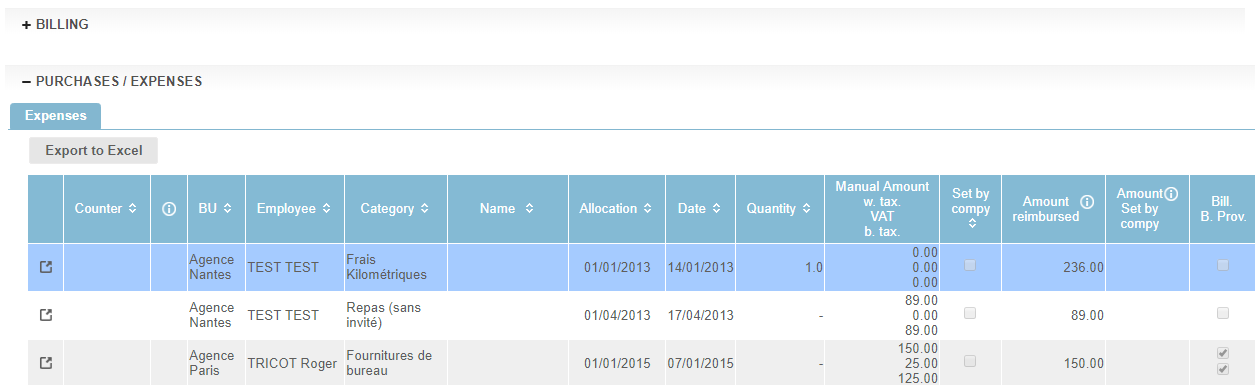
Expense reports attributed to a contract end up in contracts in the section: "Purchases/Expenses"> "Expenses" tab.
Access to the contract therefore gives access to expenses charged to the contract. The contract enables you to display the expense claim in the employee's expense sheet and to edit it.
The re-invoicing of expense sheets to the customer
Consideration of expenses on the invoice
An expense - when it has been properly configured and entered - can be automatically re invoiced to the customer.
- It depends on the month of imputation of the expense, whether it is placed on the invoice of the period in question
- They are the subject of an "expenses" line on the invoice for the service provision.
- If there is no service provision to bill, they are the subject of their own invoice
- The expenses reports are available in the "Action" button on the invoice
Consequences
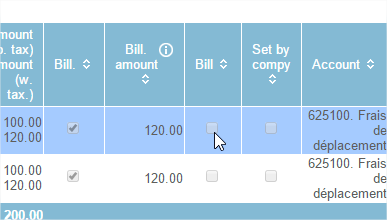
The invoiced expenses are automatically marked in the "invoice" checkbox.