-1.png?width=150&height=38&name=Logo_Original_Dark%20(2)-1.png)
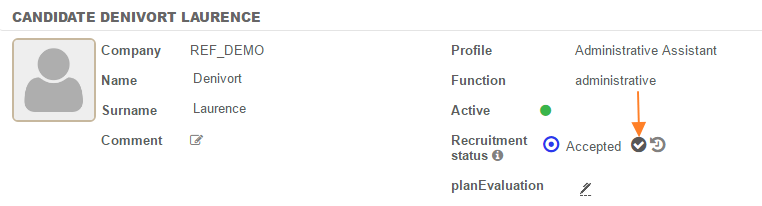
At the end of the recruitment process, to turn a selected candidate into an employee, click on the icon next to "recruitment status".
The data entered are automatically carried forward to the candidate profile. The "type" and "profile" fields must be completed. By clicking on the "save" button, a new employee is created.