-1.png?width=150&height=38&name=Logo_Original_Dark%20(2)-1.png)
Tip
Fitnet Manager offers a Bookmarks Menu that makes it quick and easy for you to find your favorite features.
How to use it
Accessing the Bookmarks Menu
To access the Bookmarks Menu, click on the  icon in the vertical menu bar. This tool will allow you to add quick access to the features that you use most often.
By default, your Bookmarks are as follows:
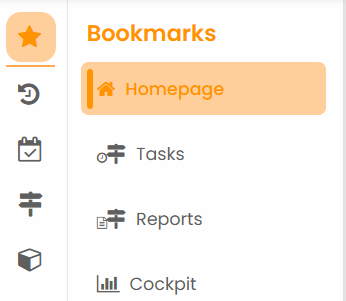
Selecting your bookmarks
You can add or delete a shortcut by clicking on "Manage menu" at the bottom of the Bookmarks column:
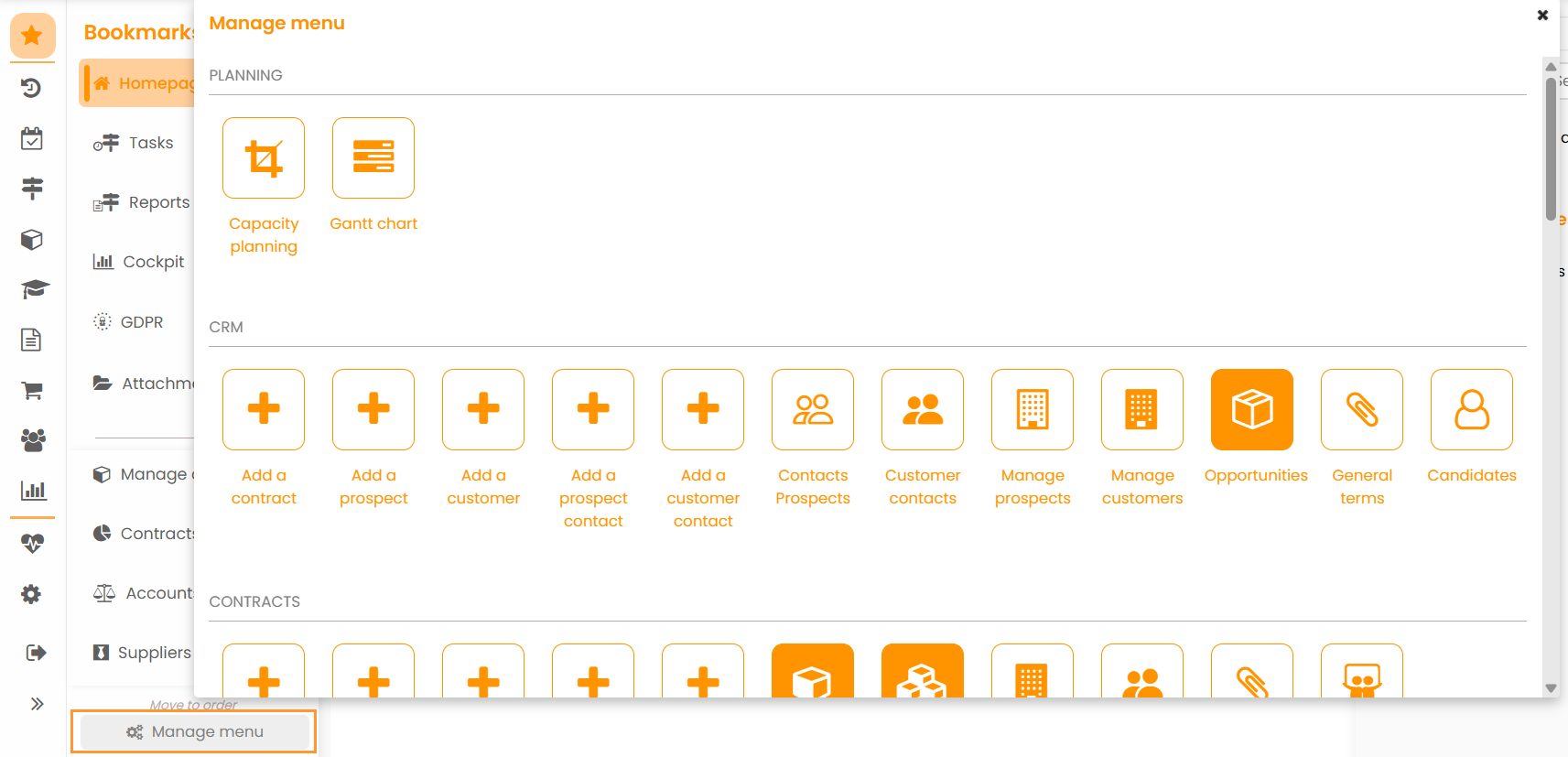
All you need to do then is click on the features that you want to save as a shortcut and add them to the menu.
Organizing your shortcuts
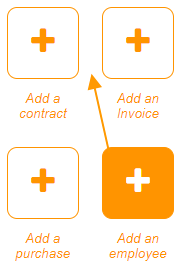
You can reorganize the icons in your Bookmarks menu by dragging and dropping: