-1.png?width=150&height=38&name=Logo_Original_Dark%20(2)-1.png)
To submit a vacation/leave, the employee must access the dedicated module: Activities > Vacation/Leave.

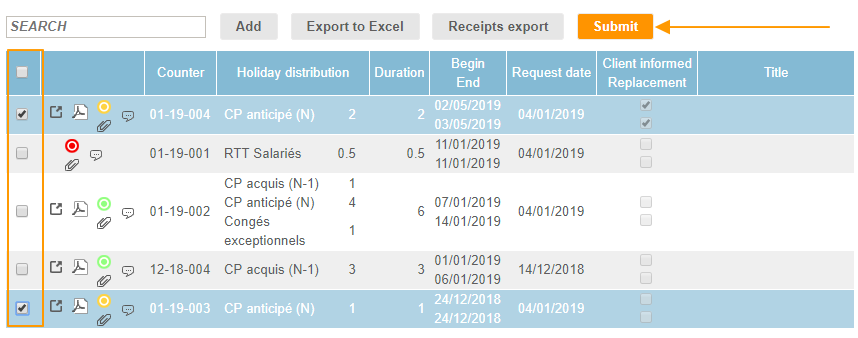
To request the validation, you have 2 options:
- Tick the request(s) checkbox and click on the "Submit" button:
- Submit the request directly from the request creation/modification pop up by clicking on "Save" and then "Submit for approval"
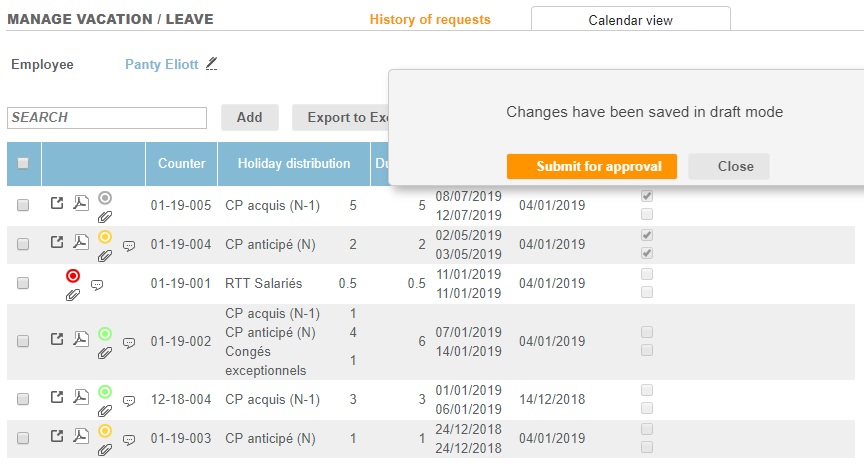
When you have submitted your request for approval, you cannot modify or delete it anymore. It has entered the vacation/leave workflow and the approver must process the request.
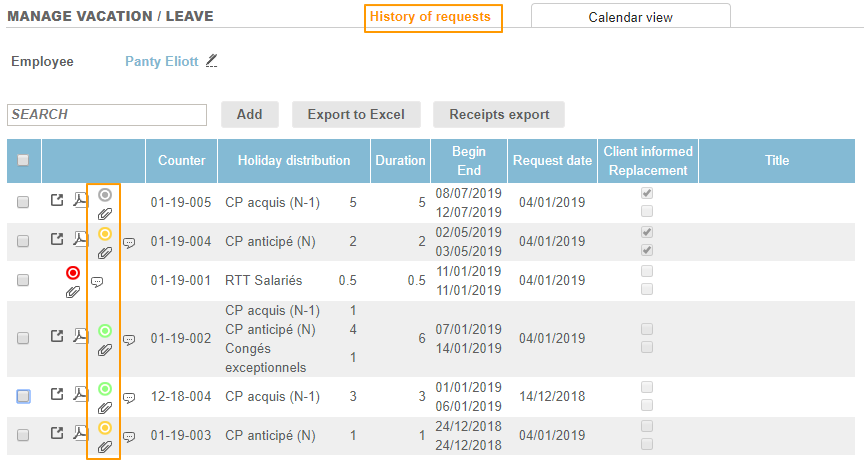
You can view the status of each request from the "History of requests" tab :