-1.png?width=150&height=38&name=Logo_Original_Dark%20(2)-1.png)
Searches can be filtered by skills, by opening the "Skills" tab in "Manage candidates".
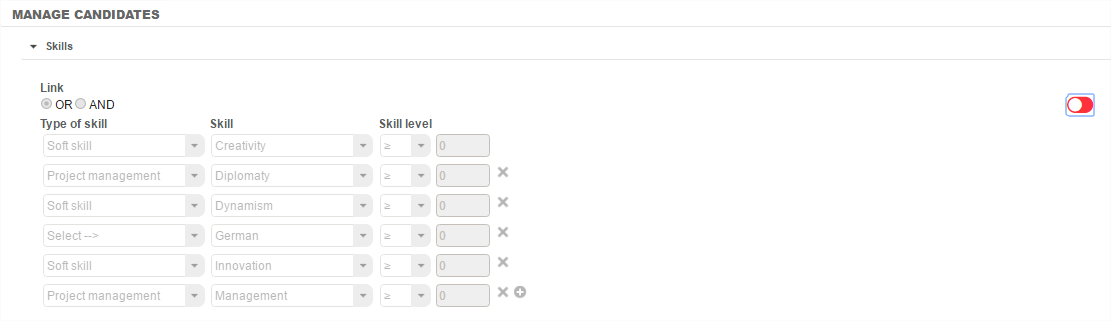
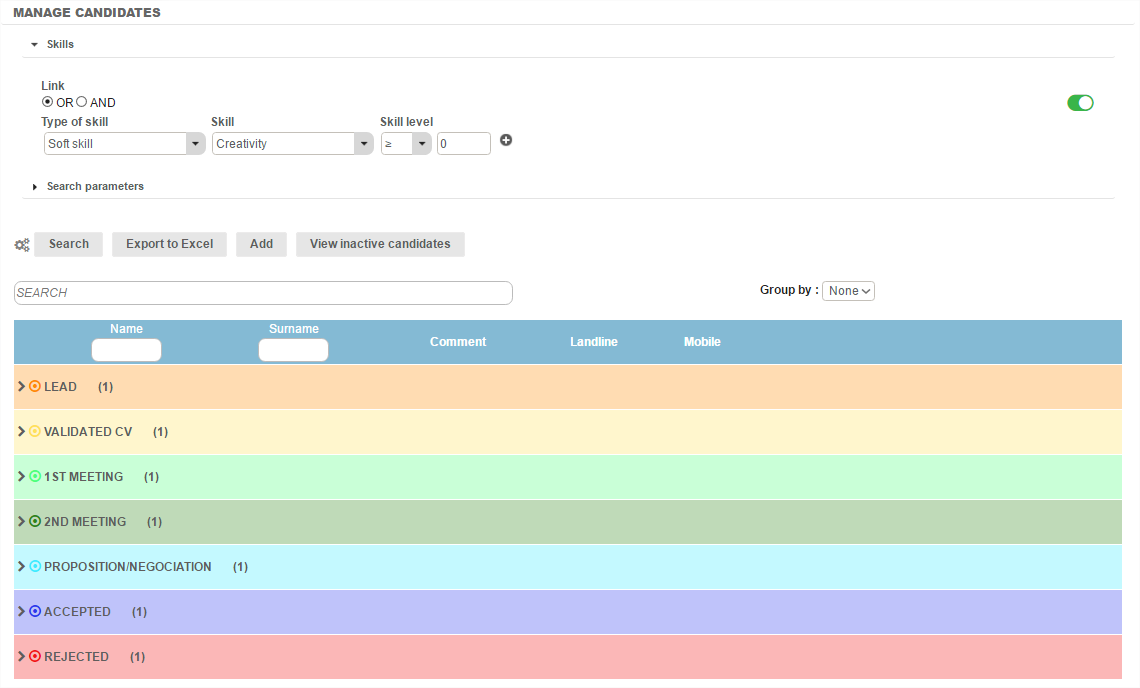
Filters must first be activated by clicking on the red button (inactive) on the right of the screen. The filter turns green when active.
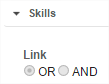
Another possibility is to filter via the link "OR" (the candidate needs only to complete one of the skills required) or "AND" (the candidate must complete all the skills required).
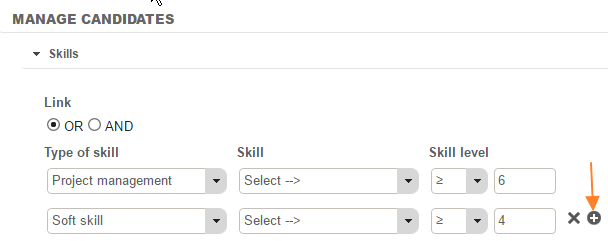
Then, in the drop-down menus, the type of skill, skill nature and skill level must be chosen. When clicking on the "Search" button, the list of candidates meeting the criteria is displayed.
The accuracy of the searches can be enhanced by adding filters. For this, click on the "+" icon to the right of the skill line.