-1.png?width=150&height=38&name=Logo_Original_Dark%20(2)-1.png)
Candidates for a vacancy can be managed according to degree/functions/types/availability, etc.
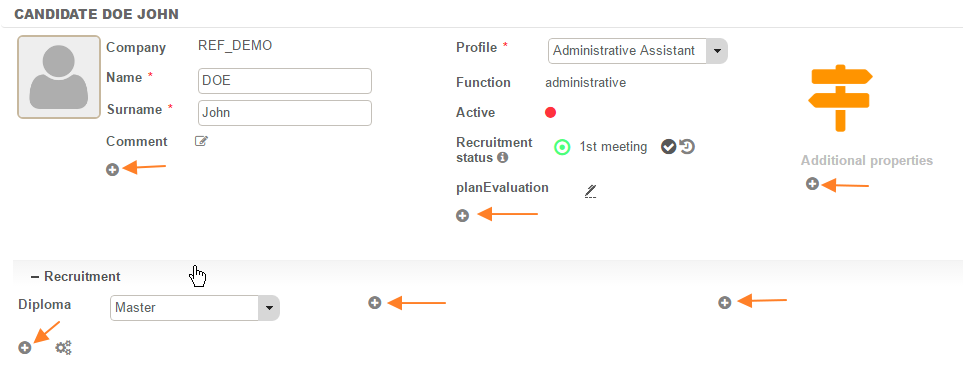
To configure these groups, just add "Select Menu" additional properties in the candidate file:
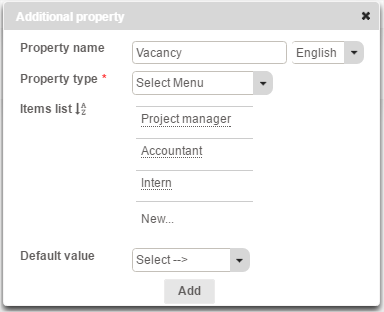
After clicking on the "+", the property name must be entered as "Select Menu". The list of elements has then to be configured, with as many elements as desired. A default value can also be chosen.
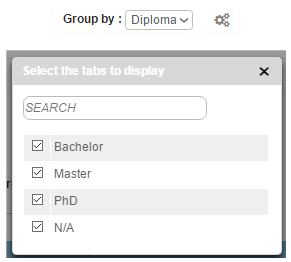
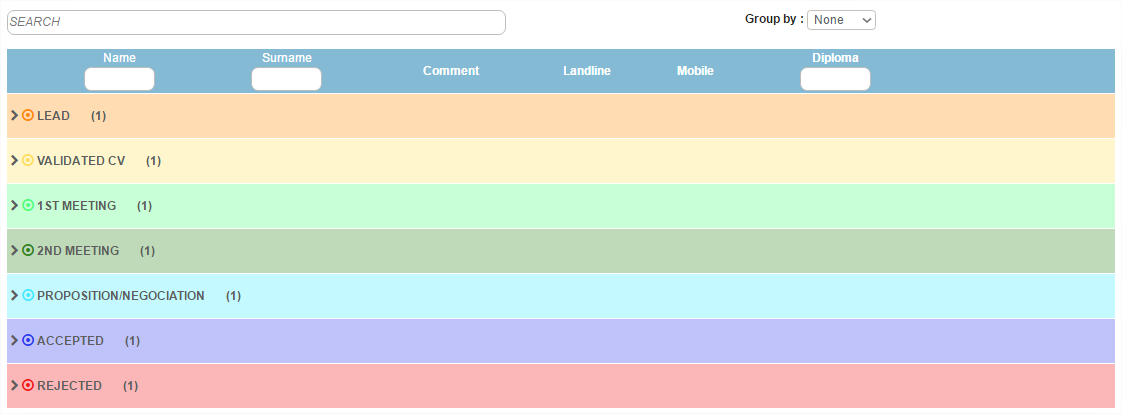
After being configured, the groups are displayed in the main candidate management table. Specific tabs to be displayed for each grouping can be selected using the "gearing" icon: