-1.png?width=150&height=38&name=Logo_Original_Dark%20(2)-1.png)
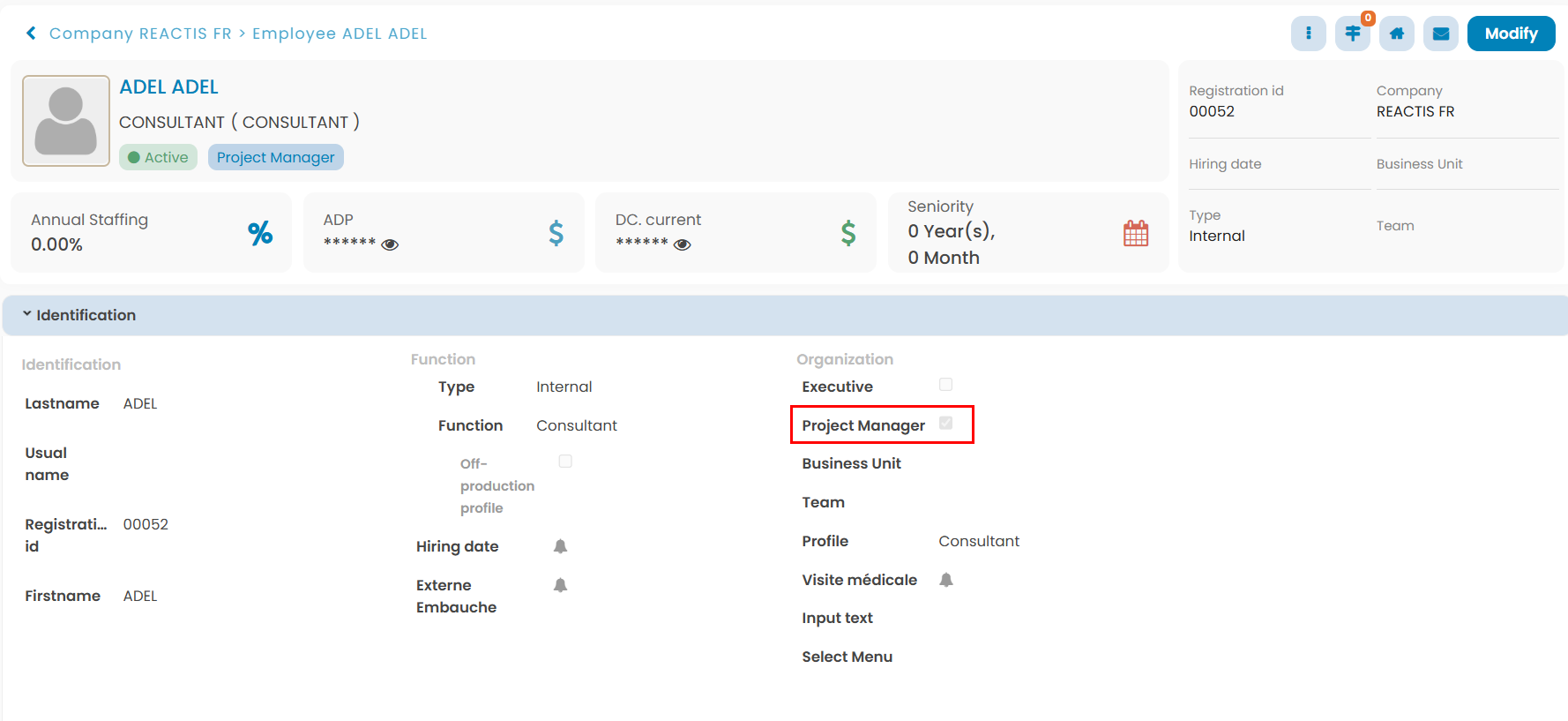
The Project Manager is an employee with the “Project Manager” checkbox set on active:
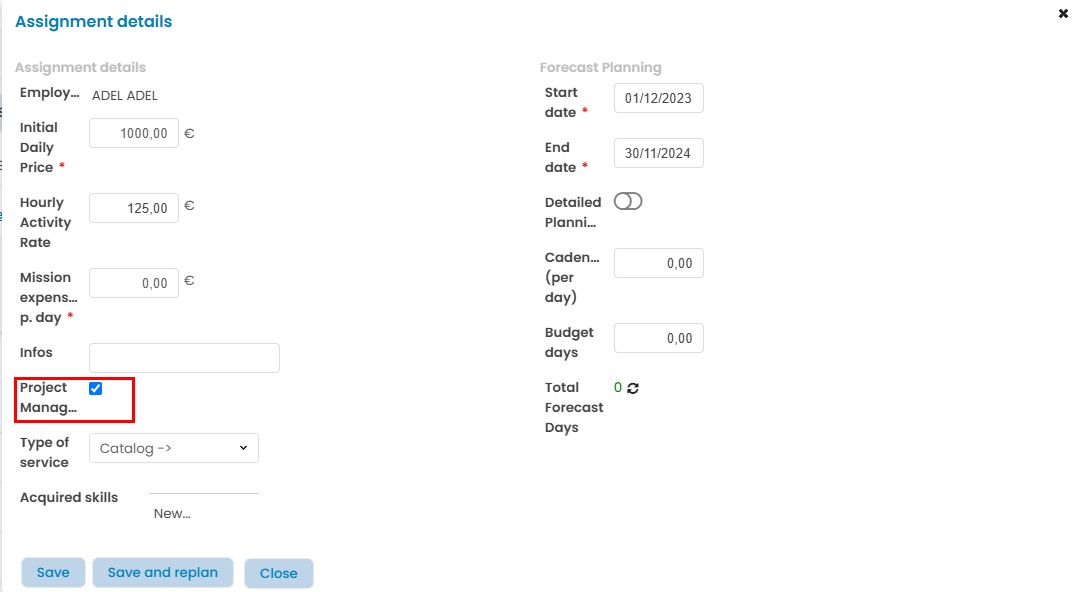
To assign a Project Manager on a contract, you have to set on active the “Project Manager” checkbox in the Assignment form:
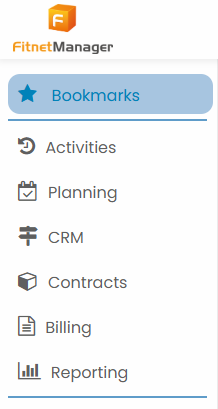
Menu
Scope
- His contributors : employees assigned to his projects and contracts
- His projects and contracts : Projects he’s in charge of
Planning Module
Capacity Planning
- Edit access on his scope
Gantt Chart
- Edit access on his scope
Scheduler
- Edit access on his scope
Activities Module
Timesheet
- Read access to his contributors’ timesheets
- Fulfill and edit his timesheet
Expenses
- Read access to his contributors’ expenses
- Add and edit expenses
Vacation / Leaves
- Read access to his contributors’ vacation / leaves
- Add and edit vacation / leaves
Trainings
- Read access to his contributors’ training sessions
- Create and edit training sessions
Contracts Module
Customers
- Add customers, prospects and customer contacts
- Edit customers, prospects and customer contacts
Contracts
- Add and edit his contracts
Projects / General Terms
- Add projects and general terms
- Edit access to projects/general terms he’s created
Billing Module
- Add invoices and credit notes
- Edit invoices of his projects/contracts
Reporting Module
Activities (his contributors)
- Overview of expenses
- Planning of leaves (all employees)
- Vacation overview
- Leave report
- Staffing annual/monthly
- Activity report
- Control entries
- Global report
- Training sessions overview
Contracts (his contracts)
- Overview of contracts
- Off-contracts overview
- Overview of employees
- Overview of expenses
Accounting (his contracts)
- Accounts receivable
Tools
- Bookmarks
- Documents Management
- Menu
- Explorator
- Contact support
- Help Center