-1.png?width=150&height=38&name=Logo_Original_Dark%20(2)-1.png)
Changes by the employee
Employees cannot change an expense once it has been submitted for approval.
They have two options for making changes:
- They can ask the approver(s) to make the change(s) for them; or
- They can ask the approver(s) to cancel the request. Once the request has been cancelled, its status changes so that it is outside the workflow, and the employee regains control to make changes and resubmit the expenses for approval.
The discussion thread on the request itself can be used to discuss the matter with an approver, by clicking on the following icon  .
.
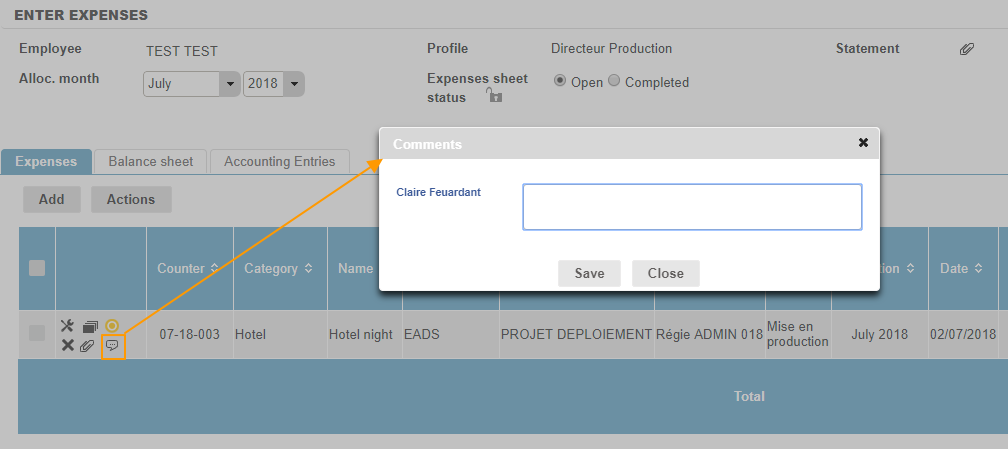
The discussion thread is no longer available once the request has been approved and the employee must contact the approver outside Fitnet.
Changes by approvers
Approvers can change an expense entry directly from the Activities module > Requests page:
- “to be processed”
- “processed.”
Approvers can view an expense request by clicking on the icon  at the start of the line. A pop up will open, showing details of the expense note. The entry can be changed by the approver at this point.