-1.png?width=150&height=38&name=Logo_Original_Dark%20(2)-1.png)
Mission orders can be accessed and managed from the Activities and Contracts modules.
From the Contracts Module
At the Contract level
Contract sheet > Assignements pane:
- "Planning" tab to see for which assignment a mission order has been created:
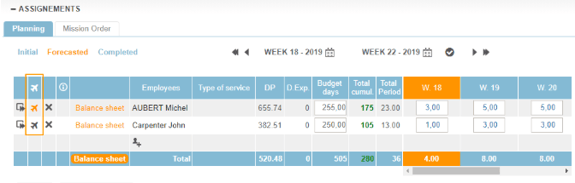
If a mission order exists for an assignment, the "Plane" icon is colored. Clicking it opens the list of mission orders attached to the assignment.
If no mission order exists for an assignment, the "Plane" icon is dark. Clicking it opens the form for creating a mission order.
- "Mission Order" tab to display all mission orders on this contract:

At the assignements level
The Contracts > Assignments module displays all the assignments that an employee has access to. For example, a team leader will find a list of assignments for team members.
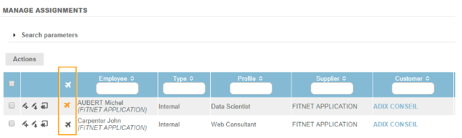
A column "Orders of mission" allows to follow for which assignment a mission order was created:

Managing existing Mission Orders
The Contracts > Mission Order module lists all accessible mission orders.
From the Activities Module
From the Timesheet: Completed & Forecasted Activities tabs
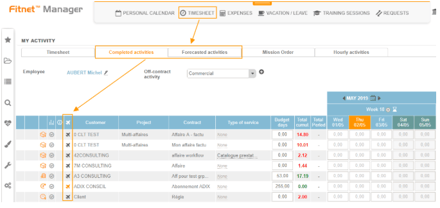
Le collaborateur peut voir les ordres de missions existants pour chacune de ses affectations dans sa feuille de temps :
From the Timesheet: Mission Order tab
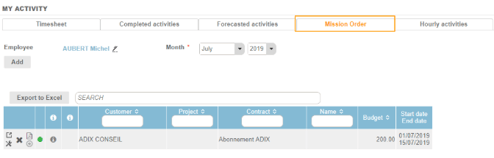
The employee can see the exhaustive list of the orders of missions concerning him: