-1.png?width=150&height=38&name=Logo_Original_Dark%20(2)-1.png)
As employees can input completed activities on timesheet, it is also where they state their meal voucher rights.
Process is close to completed activities submission : meal vouchers have to be inputted, saved and submitted. As for many input items, it is possible to configure validation cycle to manage submission. If there is no set up workflow, it simply grafts to timesheets.
Submission from "Completed activities" tab
Click on Submit my meal vouchers to submit a request
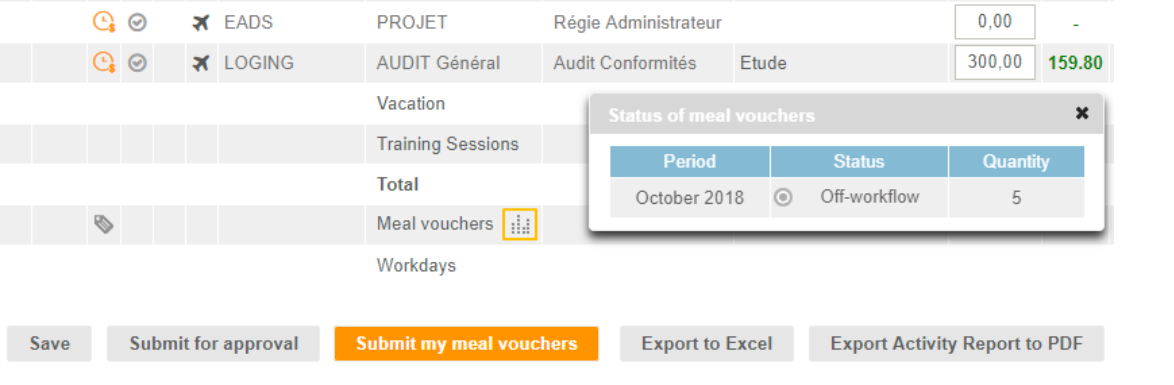
The orange framed icon gives access to quantity and workflow state on the selected period.
Submission from "Timesheet" tab
Click on Action > Submit my meal vouchers to submit a request
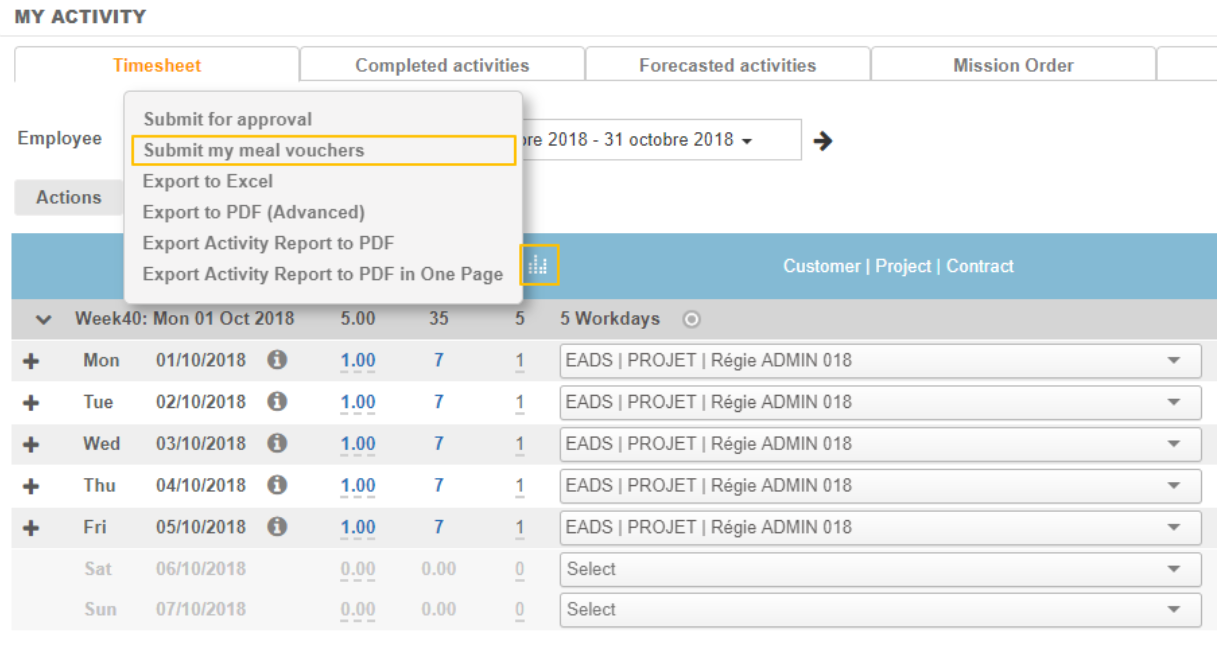 The orange framed icon gives access to quantity and workflow state on the selected period.
The Reporting > Activities > Control Entries report displays the entered number of meal vouchers per month and the status of the request.

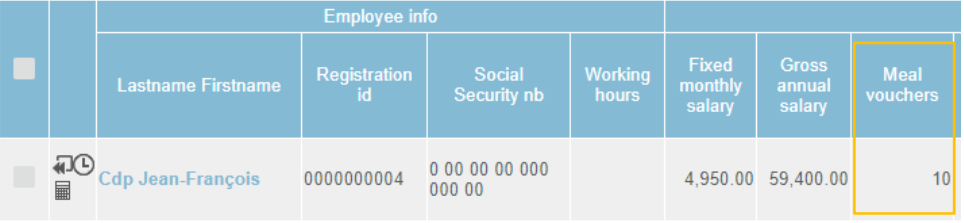
The Reporting > Activitites > Payroll Information report displays the entered number of meal vouchers per month.