-1.png?width=150&height=38&name=Logo_Original_Dark%20(2)-1.png)
You can add BICs for each employee. BICs will be used during the generation of SEPA salary and expense exports from the Payroll Information.
To add a BIC in the employee screen, click on the Actions > Add a BIC button. The following BIC information form appears:
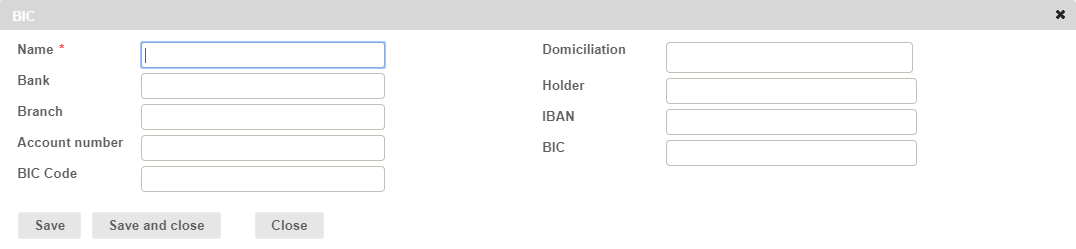
By clicking on Save, you save the BIC, and reset the form to fill in a second BIC, and so on.
By clicking on Save and close, you record the last BIC filled in, and close the form.
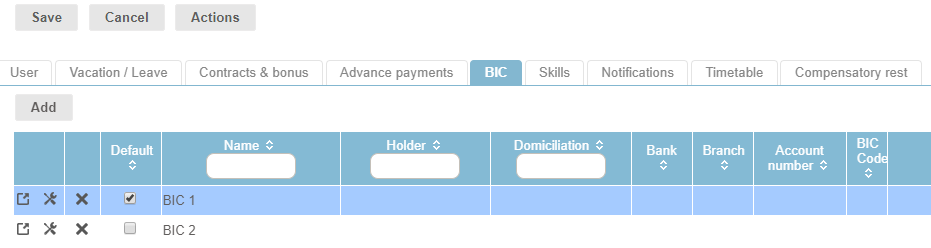
As such, you have the option to fill in several BICs. In this case, you must specify what the default BIC is by checking the “Default” box corresponding to one of the BICs: