-1.png?width=150&height=38&name=Logo_Original_Dark%20(2)-1.png)
Managers, admins and employees who are designated in the validation workflow to process leave requests have access to a specific submodule: "Activities module > Requests"
In this submodule, approvers will find:
- All requests to process
- All requests already processed

It is possible to deal with the requests "en masse" via the SelectMenuList.
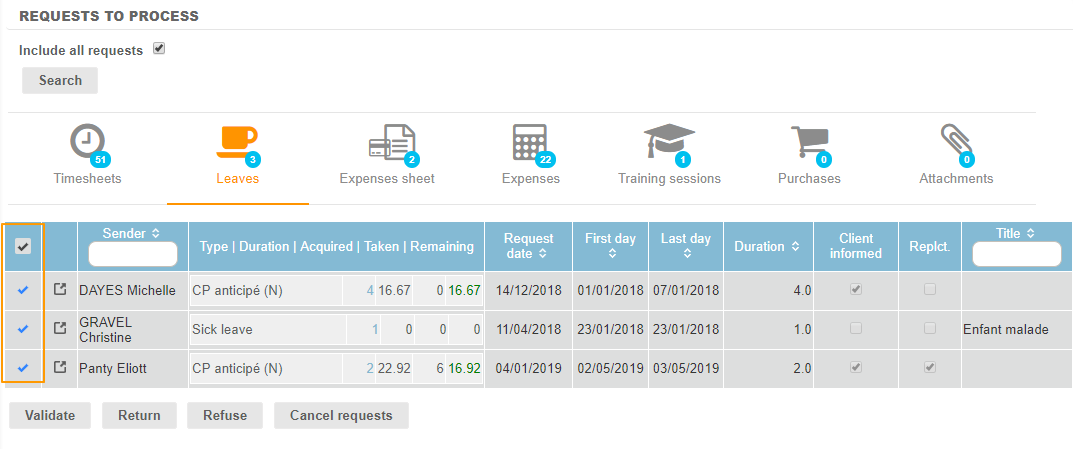
Approvers can:
- Validate the leave: the request is granted and the employee's personal calendar is automatically updated.
- Return the leave: the request is sent back at the previous step of the workflow.
- If the request was at the first step, it is thus sent back to the employee with a "Off-workflow" status: the employee is able to modify it before submitting it again.
- Otherwise, the request is sent back at the previous approvers group.
- Refuse the leave: the request is refused and the employee can't modify it anymore. He has to create a new request.
- Cancel the leave: the request is cancelled. To be used in case of errors.