-1.png?width=150&height=38&name=Logo_Original_Dark%20(2)-1.png)
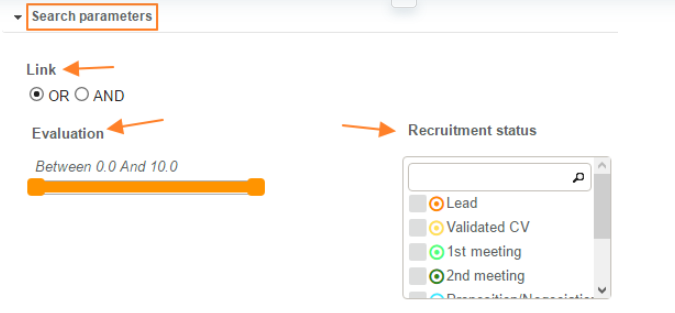
Search parameters are here to let you be able to filter candidates based on their evaluation and/or recruitment status.
To use them, open the "Search parameters" tab from candidate management:
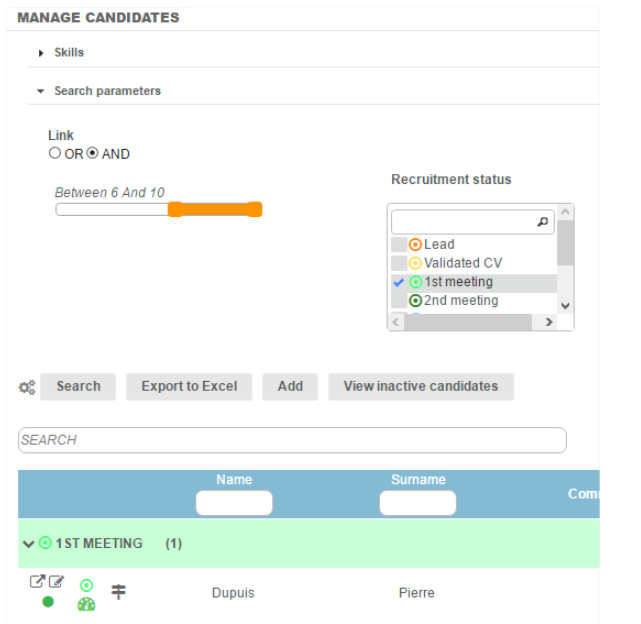
For example, these filters allow searches for candidates with a score above 6 and in the 1st meeting status. After establishing the criterias, click on the "Search" button and the list of candidates meeting the criterias will be displayed:
In addition to these "search parameters" filters, a research bar is available above the table. 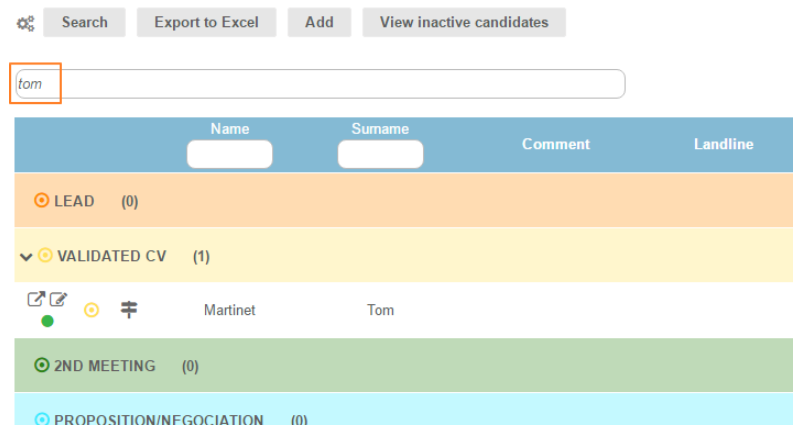
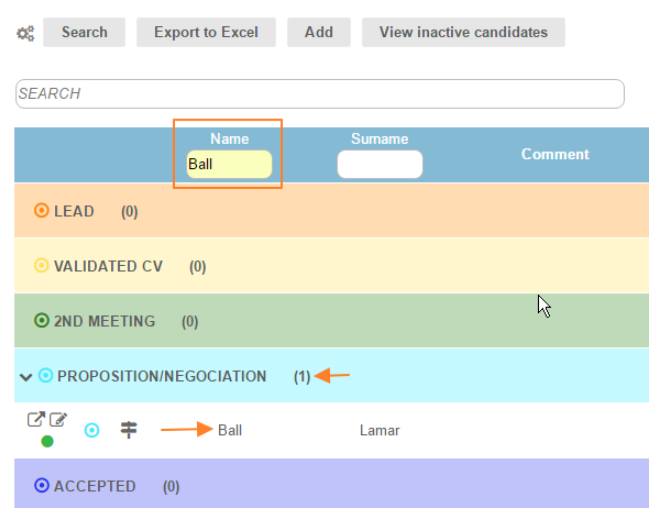
The column headers can also be filtered.