-1.png?width=150&height=38&name=Logo_Original_Dark%20(2)-1.png)
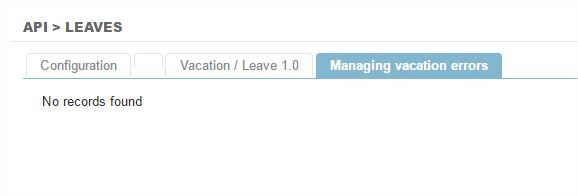
It is important to regularly check the "implementation report" in FitnetManager, accessible from CONFIGURATION> API> API Leave

Return code on success
- 00: Registered Leave
Return code on failure
- 12: No type of absence corresponds to past parameters: check the synchronisation Ids in FitnetManager
- 11: No employee matches the e-mail
- 10: No Company found
- 09: Distribution by type of absence with no workdays
- 08: A leave request must be for a continuous period
- 07: A working day can only be selected for one type of absence
- 06: Start date is later than the end date
- 05: The selected dates are on a closed period (XXXX company)
- 04: No type of absence corresponds with the parameters set for the XXXX company. Please check the types of absence synchronisation
- 03: No available days for this employee on the company XXXX
- 02: The leave with the identifier leaveId already exists
- 01: FitnetLeaveApi disabled for the tenant