-1.png?width=150&height=38&name=Logo_Original_Dark%20(2)-1.png)
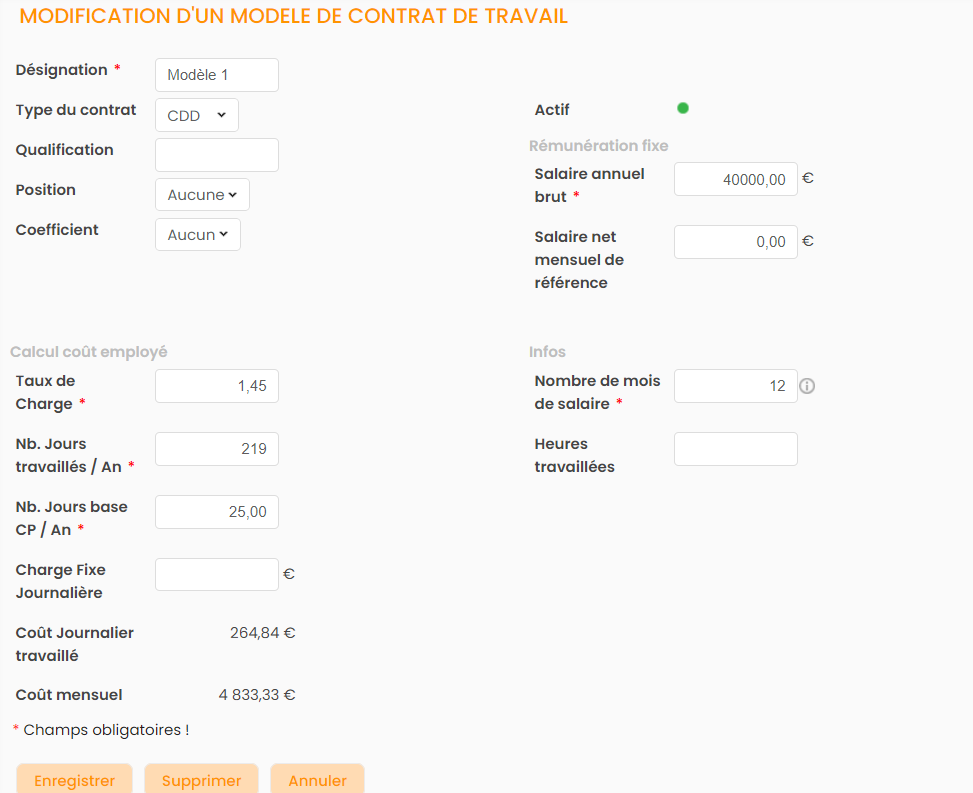
Fitnet Manager allows the creation of employment contract templates. The configuration of these different templates then enables the pre-filling of all fields when creating an employment contract for an employee, using the data recorded in the template.
To create an employment contract template, go to Configurations > HR Folders > Employment Contract Template > Add.
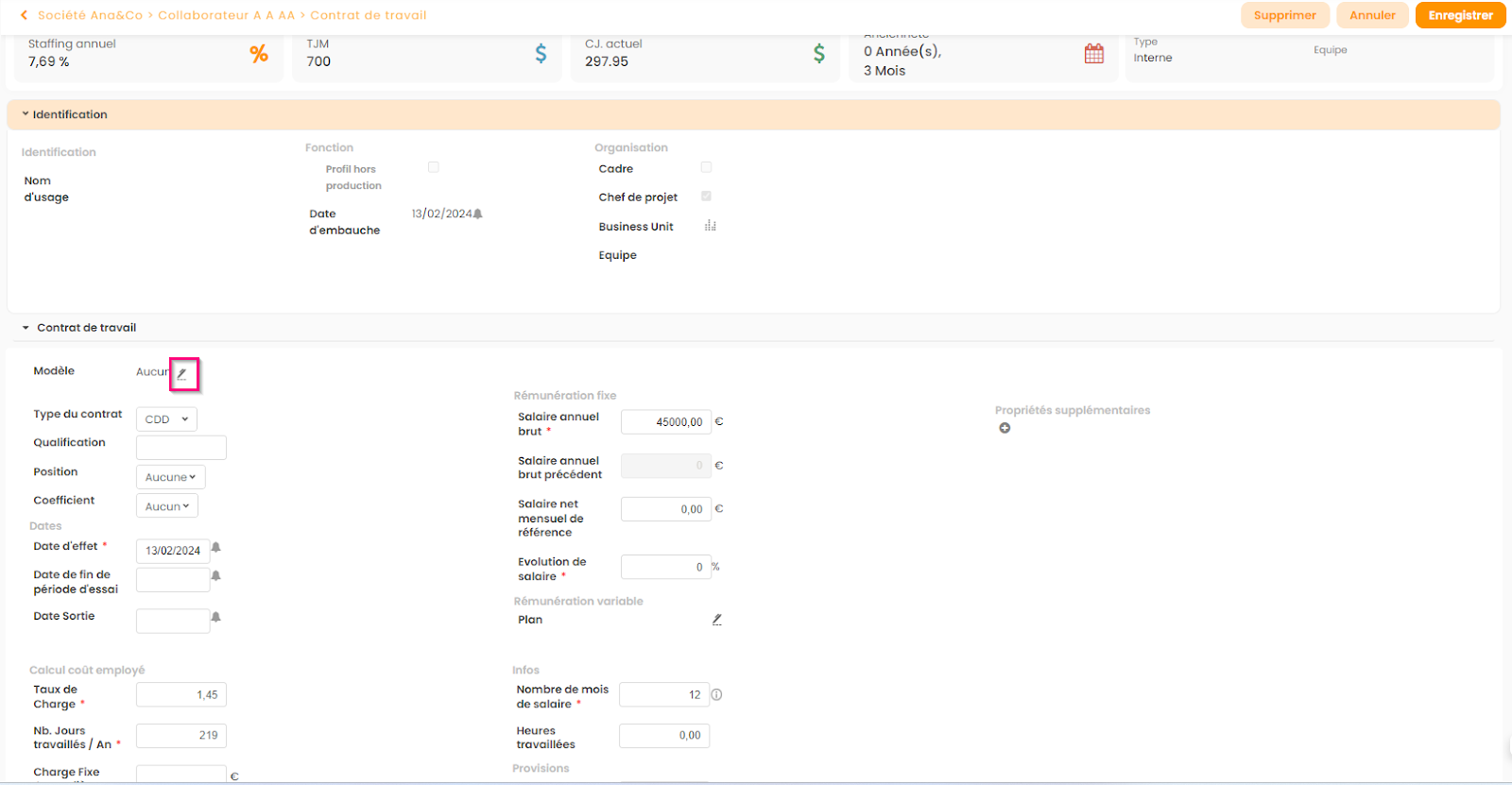
Once the template is created, it can be used when creating or modifying an employment contract (see screenshot below).