-1.png?width=150&height=38&name=Logo_Original_Dark%20(2)-1.png)
When an employee takes a leave, only Admins, managers or approvers can edit it. To do so, they must select the request in the Activities module > Requests > Requests to process.
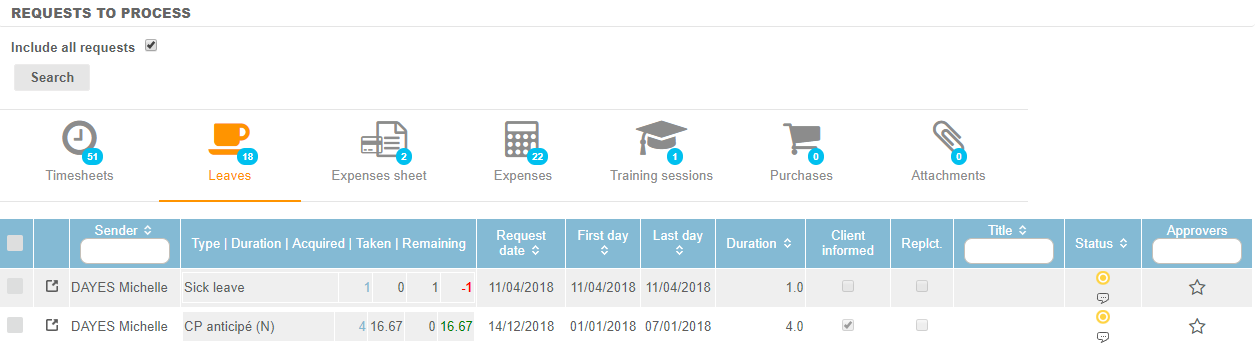
They can edit any leave by clicking on the  icon.
icon.
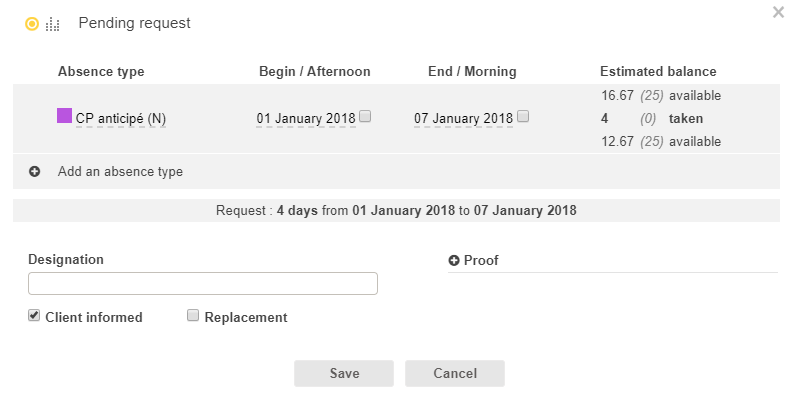
They can edit the type of absence, the dates, the duration, or add a designation or a proof. The only thing they can't do is modify the step of the leave in the workflow. To save the modifications and update the step of the workflow, click on the "Save" button.