-1.png?width=150&height=38&name=Logo_Original_Dark%20(2)-1.png)
Only Admins and approvers can delete a training session that has already been validated.
To do so, please follow these steps:
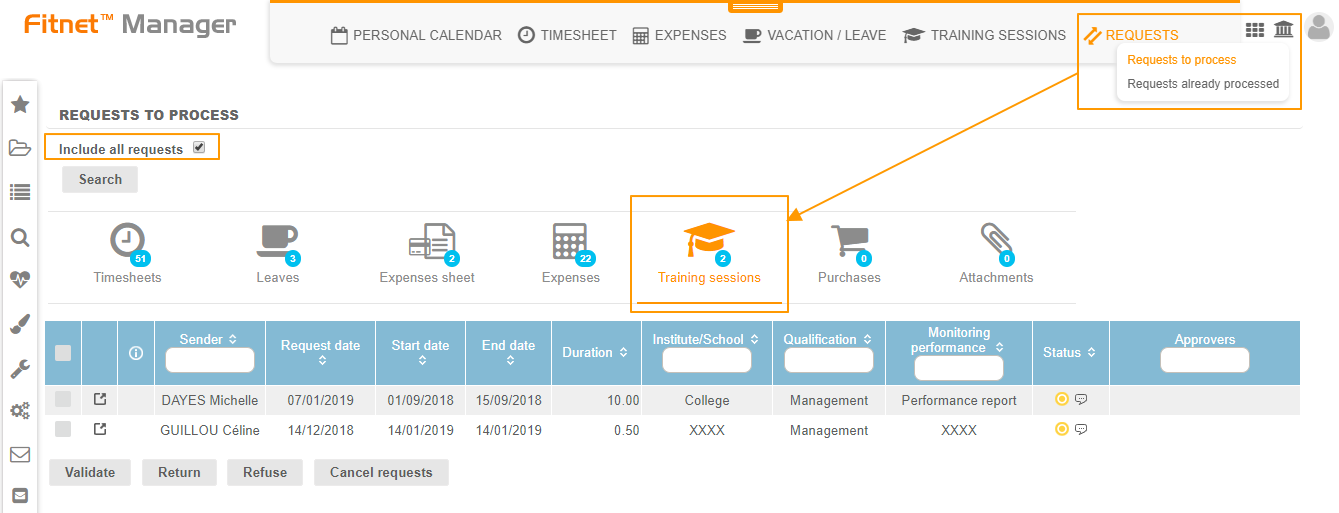
1. Go to the Activities module > Requests > Requests to process > Training sessions.
2. Tick the "Include all requests" checkbox (only if you are an Admin) and then click on the "Search" button to display all training sessions requests.
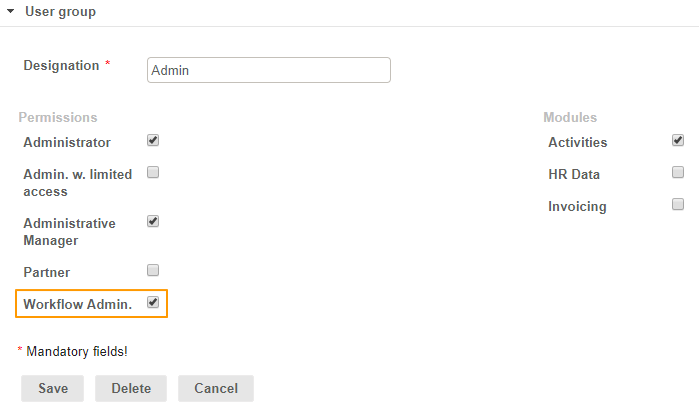
If the "Include all requests" option isn't available, you can activate it in the Configuration > User account > Manage user groups: click on the "view" button of the Admin user > Modify > and tick the checkbox Workflow Admin.
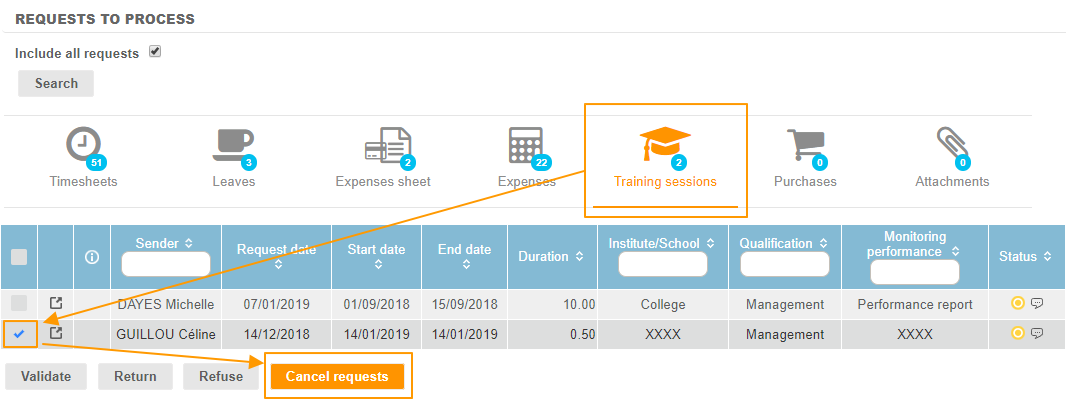
3. Select the desired request and click on the "Cancel requests" at the bottom on the page.
4. Click on the "view" icon to display the request

5. Click on the "View" icon to edit the request

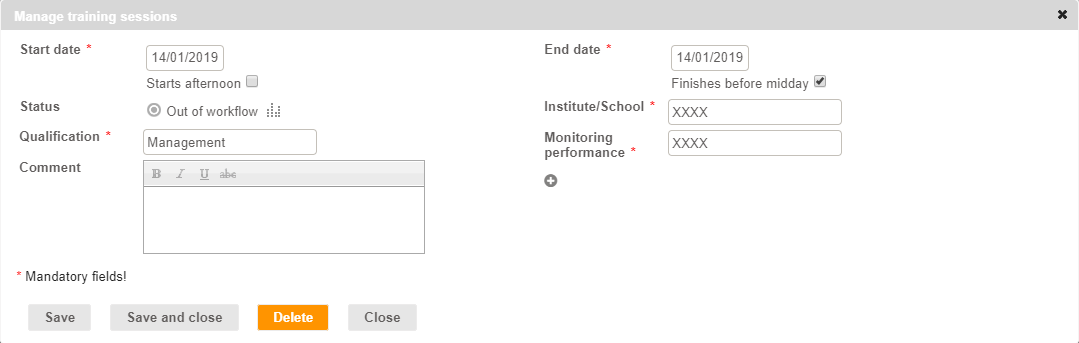
6. A pop up will open: click on the "Delete" button