-1.png?width=150&height=38&name=Logo_Original_Dark%20(2)-1.png)
In order to create an employee or a candidate, Fitnet offers an option of importing a CV as an attached file. The software will do a full parsing of the document to collect all the necessary information.
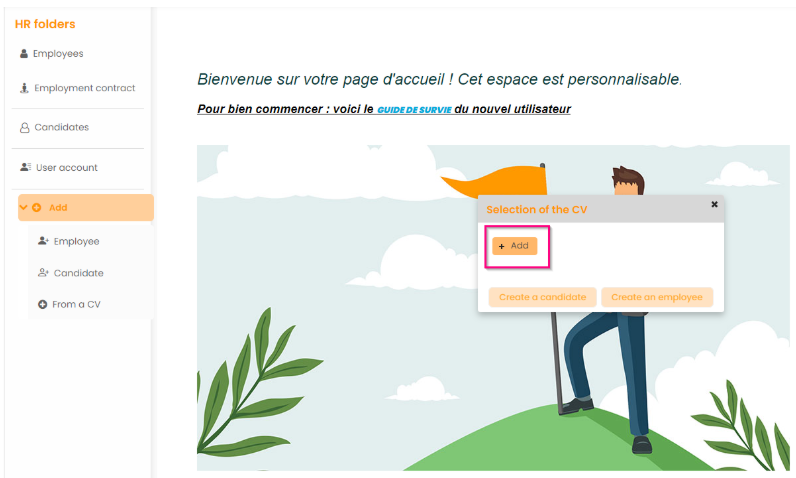
HR Folders> Add> From a CV, or HR Folders > Employees> Add> Import CV.
The process is as follows :
- Add the CV (PDF) > Upload> Creat an employee/candidate
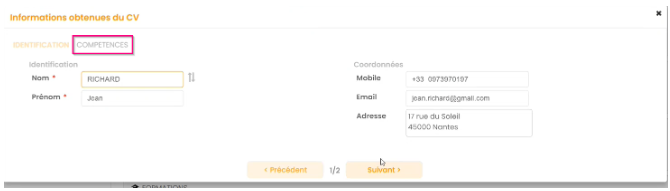
- Fitnet Manager automatically identifies contact information and the skills on the CV and transcribes them in 2 tabs.
- The skills that were identified can be organized by type (initially configured in Fitnet) by a simple Drag&drop.
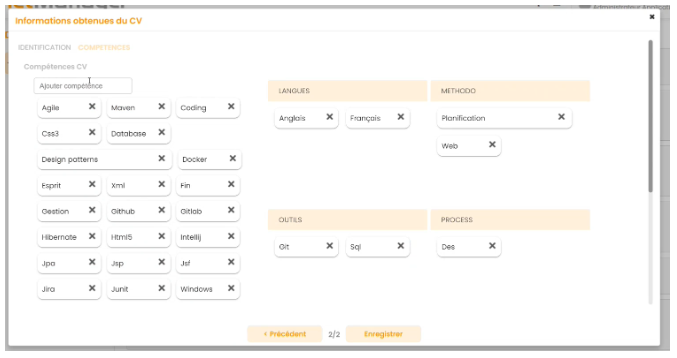
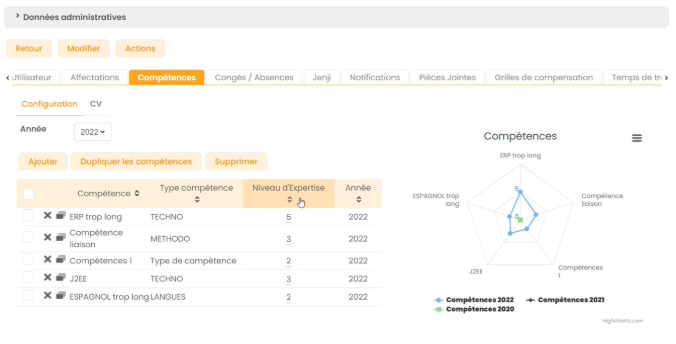
Aftre clicking Save button, the employee/candidate is added and all the identified skills appear in the employee's page. Fitnet Manager also offers the possibility to aess the level of expertise in a skill.