-1.png?width=150&height=38&name=Logo_Original_Dark%20(2)-1.png)
General Presentation
The Customer menu> "Manage customer contacts" enables access to the list of the company's customer contacts with all the important information. The database, shown as a table, can be exported at any time in .xls format.

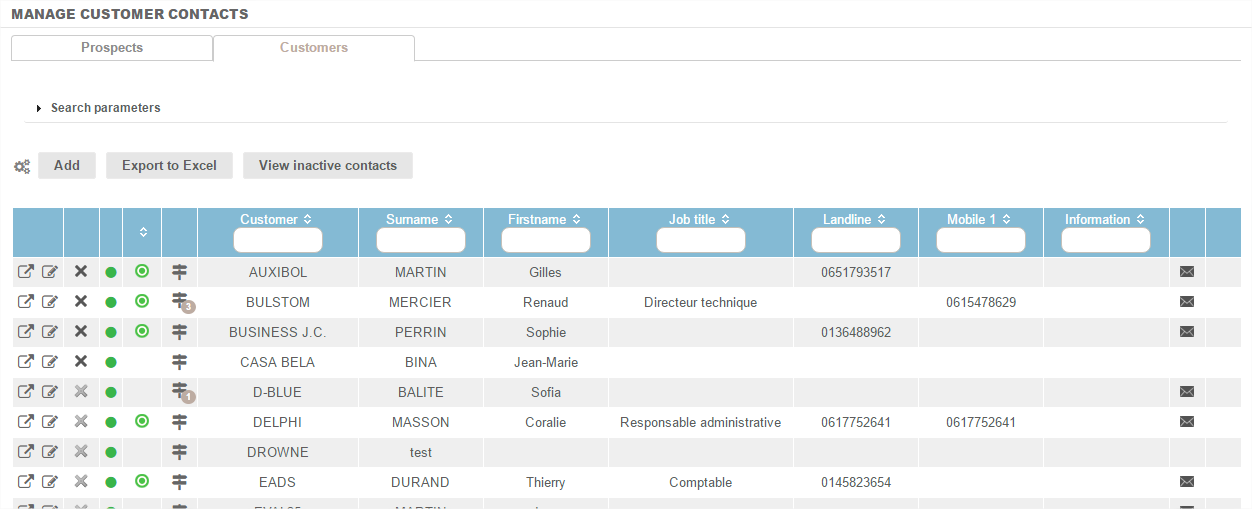
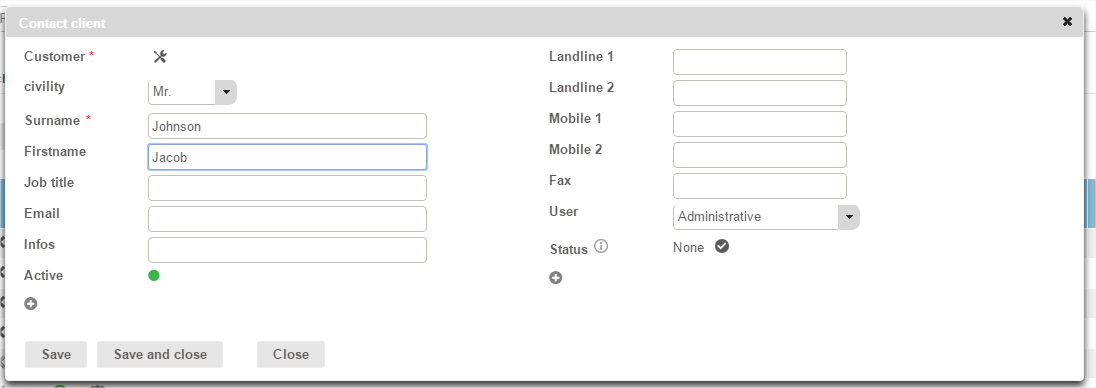
A customer contact can be created:
- From the table of customer contacts using the "Add" button
- From the customer record using the "Action" button
Reminder: customer contacts are required as soon as you want to send invoices by e-mail from the tool.