-1.png?width=150&height=38&name=Logo_Original_Dark%20(2)-1.png)
To create a vacation/leave, the employee must access the dedicated module: Activities > Vacation/Leave.

In the same way as for the "History of requests" tab, the "Calendar view" tab allows you to view your leave balance for every type of leave. Your leaves and vacations are highlighted in yellow on your calendar.
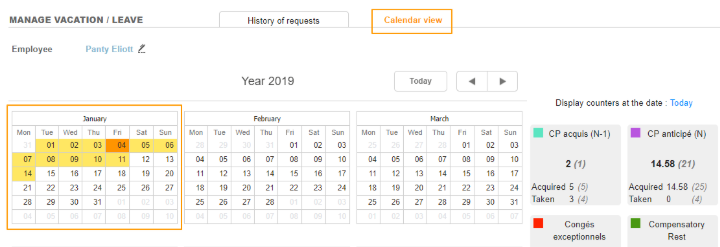 You can also ask for a leave directly from the calendar. To do so, you have to double-click on the day and fill the pop up:
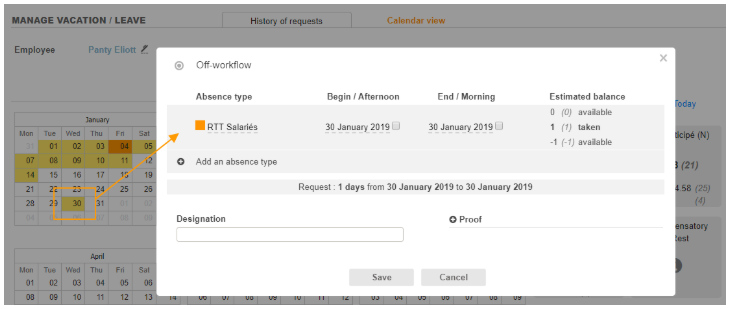
It is the same pop up as from the "History of requests" tab. To learn more about the fields to fill up, read this article.