-1.png?width=150&height=38&name=Logo_Original_Dark%20(2)-1.png)
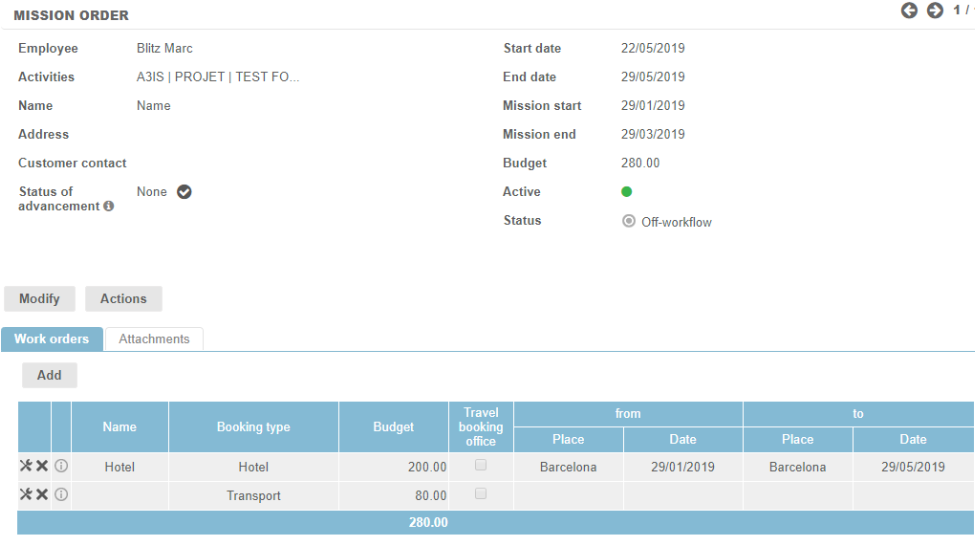
You can create a mission order :
From the Activities module :
- From the Timesheet module > Completed Activities, Forecasted Activities or Mission Order tab
From the Contracts module :
- From the Contracts module, at the contract level: Actions button > Add a Mission Order
- From the Assignements pane, at the assignement level
- From the Mission Order module
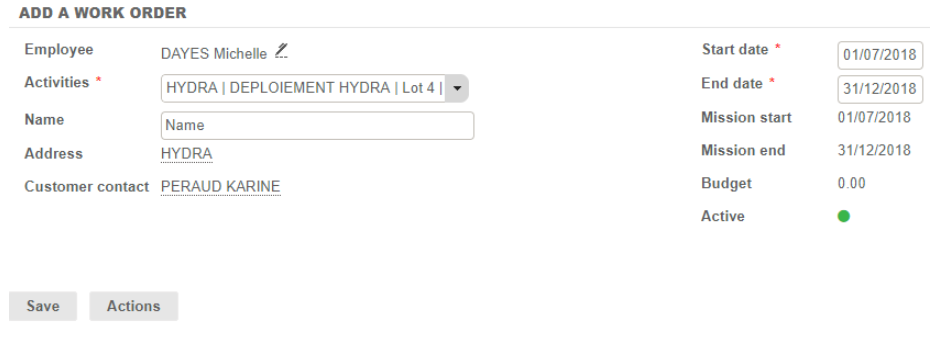
Mission Order: General characteristics
A mission order is defined by:
- an Employee: just like an expense report, a Mission Order is obligatorily attached to an Employee.
- an Activity: lists the Contracts on which the Employee is assigned. If no Employee is selected, the list is empty.
- a Name: free text field.
- Start date / End date: by default, the assignment dates are repeated.
- Budget: will be calculated as you enter the Travel Info lines.
Add a work order
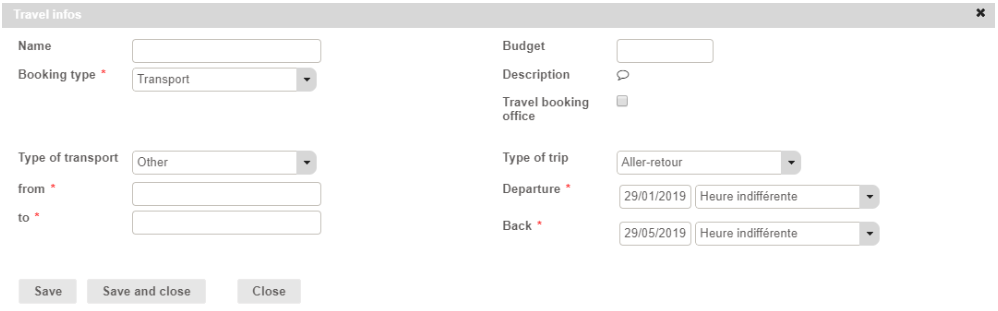
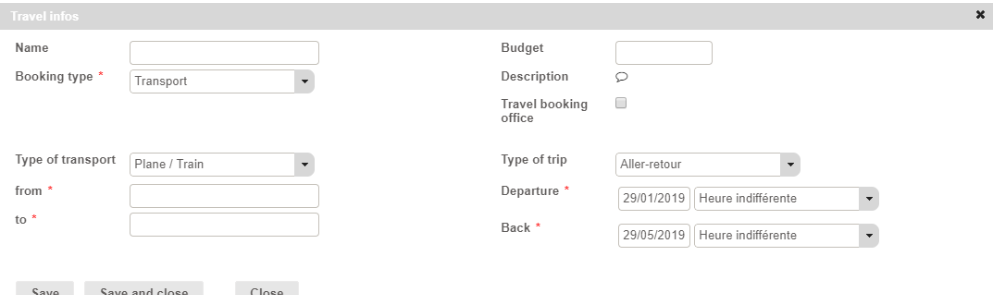
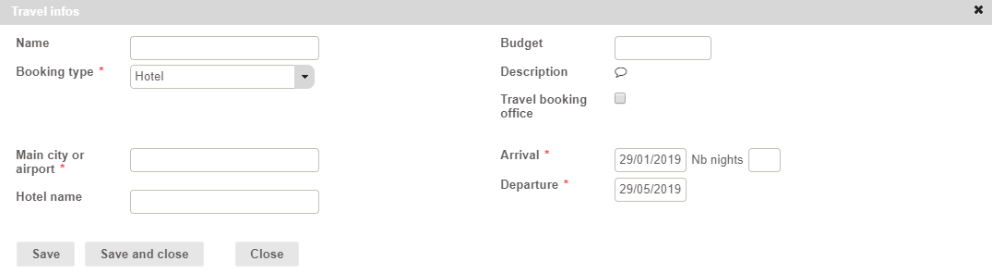
The Actions > Add a work order button allows to add lines to this mission order. Depending on the Booking Type = Contract Category or Nature of Purchase with a Type of Travel, the information to be filled in will be different.
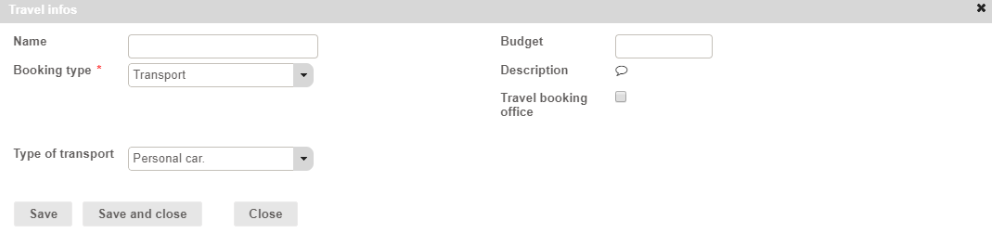
Type of transport
- Other:
- Personal car
- Plane / Train
Hotel
Car rental
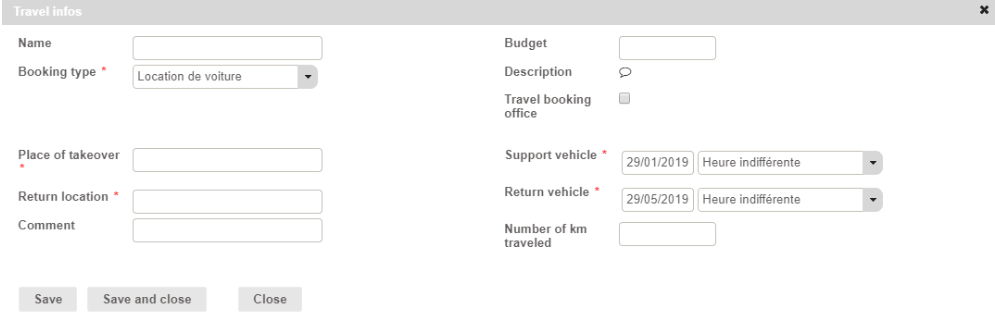
Tableau récapitulatif