-1.png?width=150&height=38&name=Logo_Original_Dark%20(2)-1.png)
The candidates' status can be updated throughout the recruitment process. A colour code based on the status, allows the applying candidates' position to be found easily. To change this colour code and the different status, click on the info icon "i" below the "recruitment status".
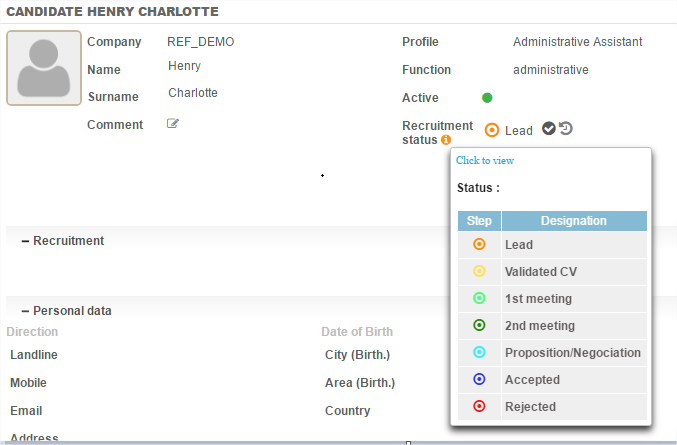
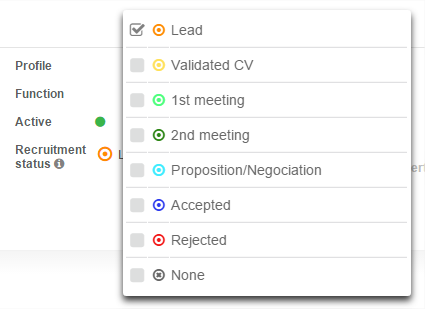
To change a candidate's status, click on the icon next to "recruitment status" and select the desired status.
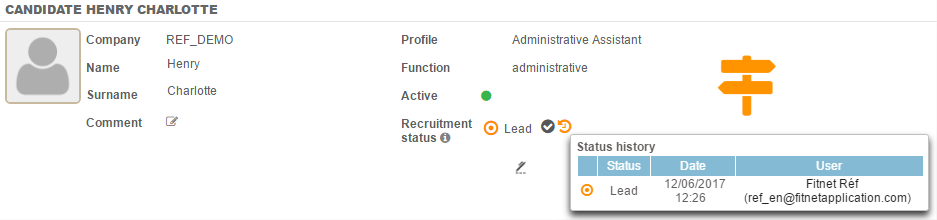
Hovering another icon just to the right, the status history appears with the status, the date and the user updating it.
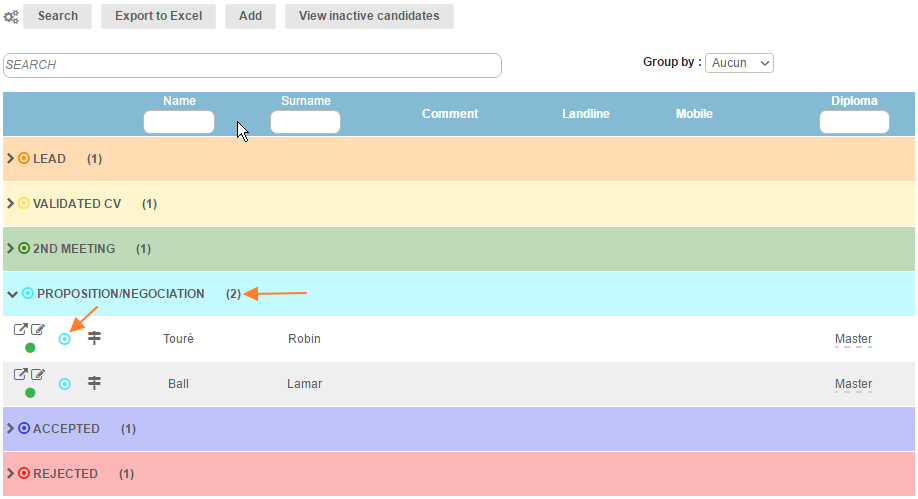
In the list, the candidates then appear with the colour codes of their status. The recruitment status can be changed directly from the main table, by clicking on the coloured "status" icon.
Our candidate's status clearly appears in the candidate management table: