-1.png?width=150&height=38&name=Logo_Original_Dark%20(2)-1.png)
Tip
When selecting a date, only the previous/current/next years are displayed.
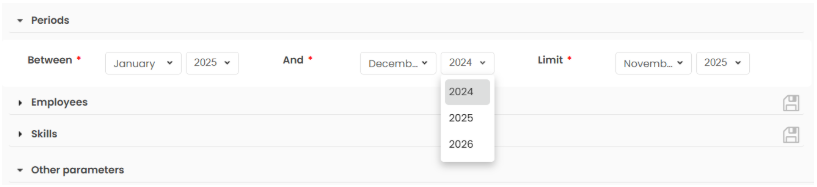
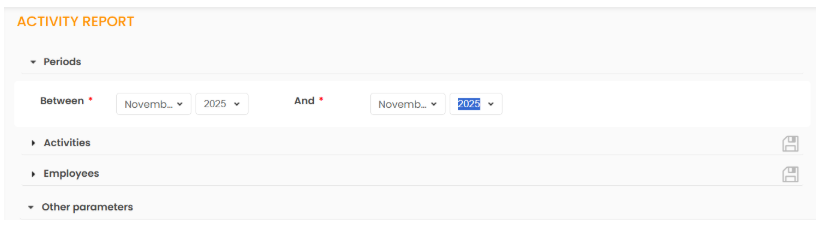
However, the date field is clickable, which allows you to enter the date you want to display data from.
How to use it
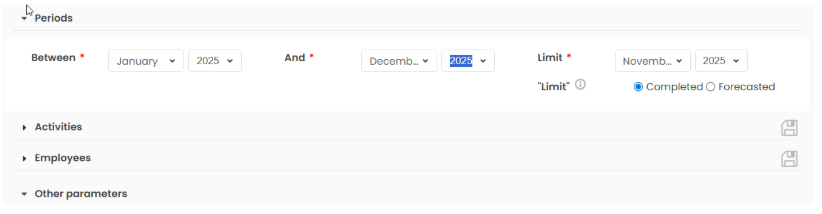
To enter the desired date in the date field, all you need to do is click on the field and enter it manually.
Where to find it
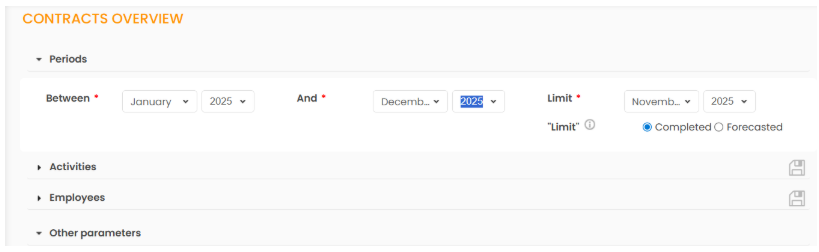
The clickable date field is available throughout the application, particularly in the Reporting module.
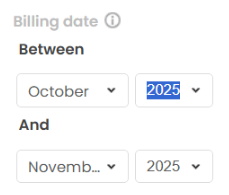
You will also find it whenever you launch an advanced search by filters, for example in the Billing module: