-1.png?width=150&height=38&name=Logo_Original_Dark%20(2)-1.png)
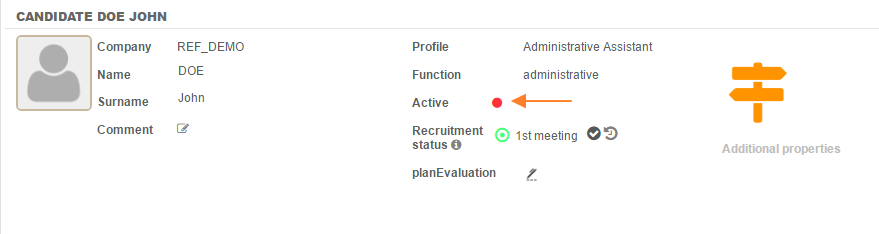
Candidates' profiles can be "activated" or "deactivated". For this, click on the "Modify" icon on the line corresponding to the candidate then click on the round green button next to "active". The button turns red, meaning the candidate is changed to an inactive status.
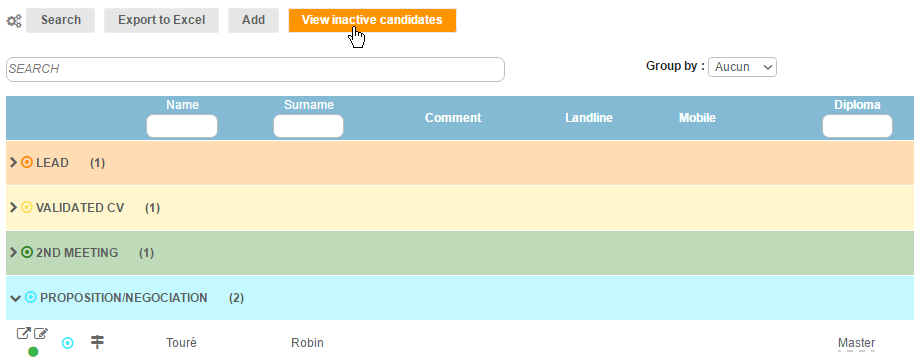
Candidates with an "inactive" status disappear from the original "candidate management" board. The "View Inactive candidates" button displays the inactive candidates.